Connect GitHub and your public repos become entries in a Projects type, with their link, description, language and stars. Syncing connected accounts is part of Pro. On Free, the GitHub row shows a Pro badge and a See Pro button.
Steps
Open Settings → Import & export and scroll down to Connected accounts.
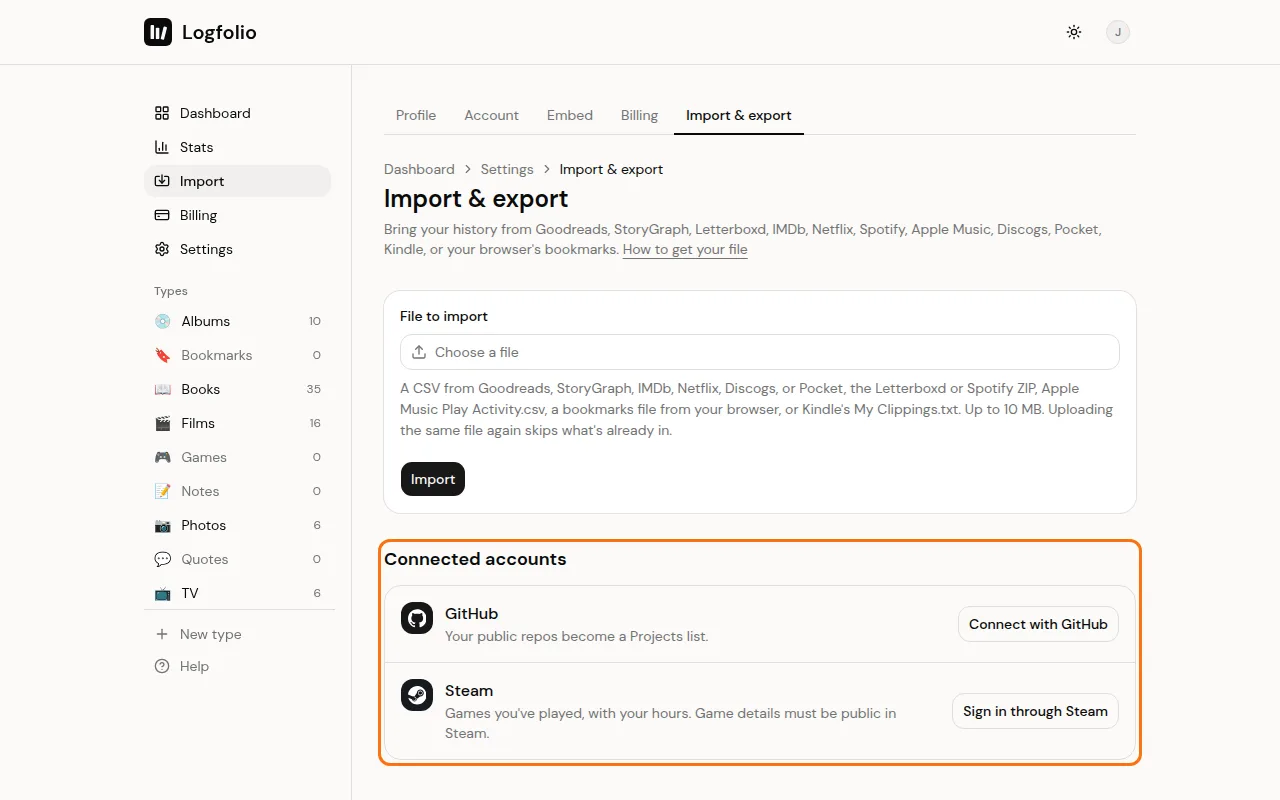
On the GitHub row, click Connect with GitHub.
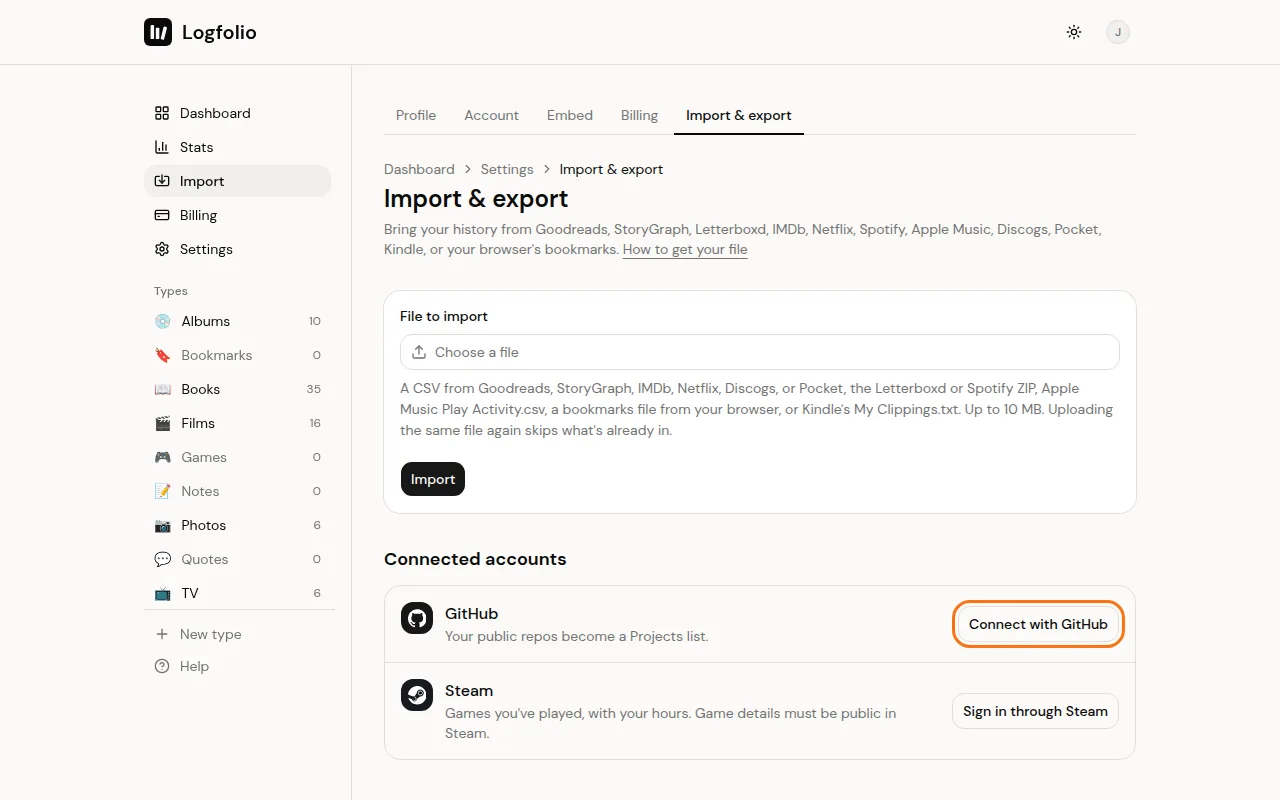
Sign in on GitHub to show the account is yours. Logfolio asks for no permissions and only reads your username.
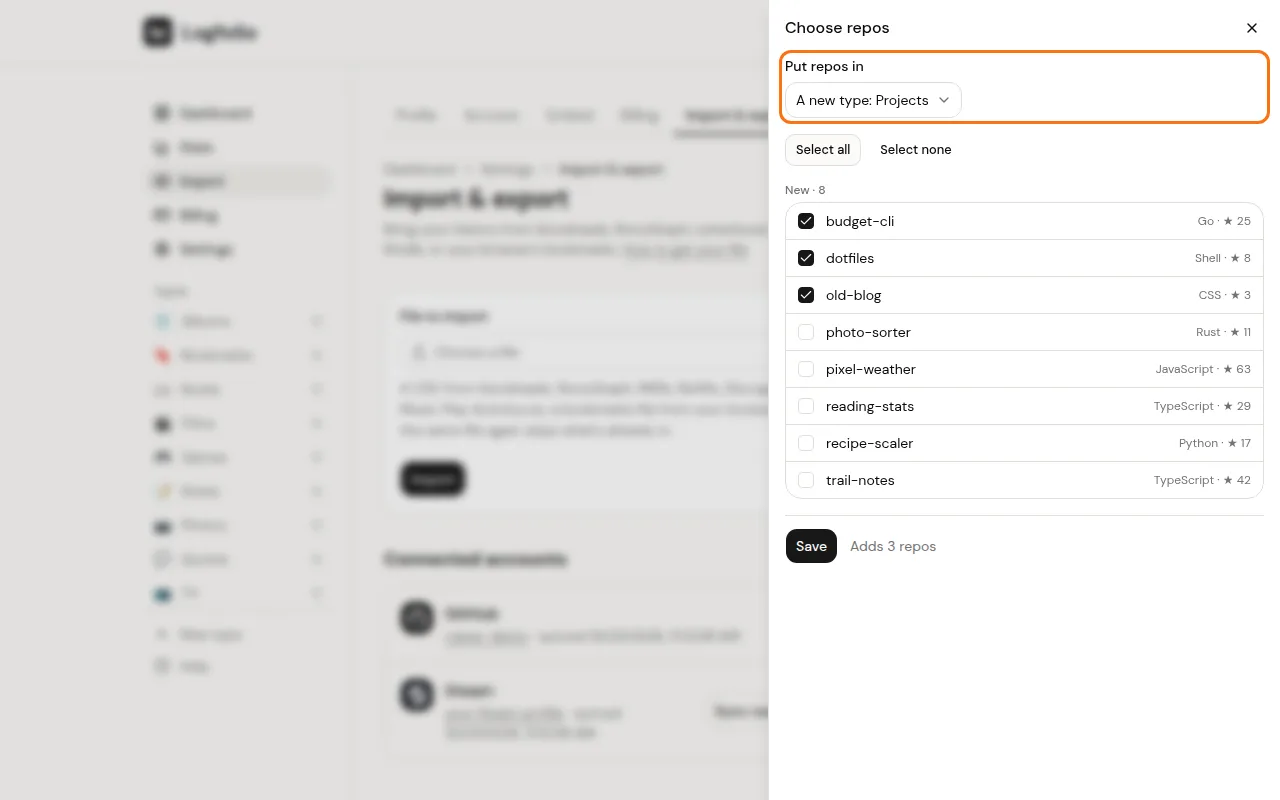
Back in Logfolio, Choose repos opens. Under Put repos in, pick A new type: Projects or one of your own types. Tick the repos you want, then click Save.
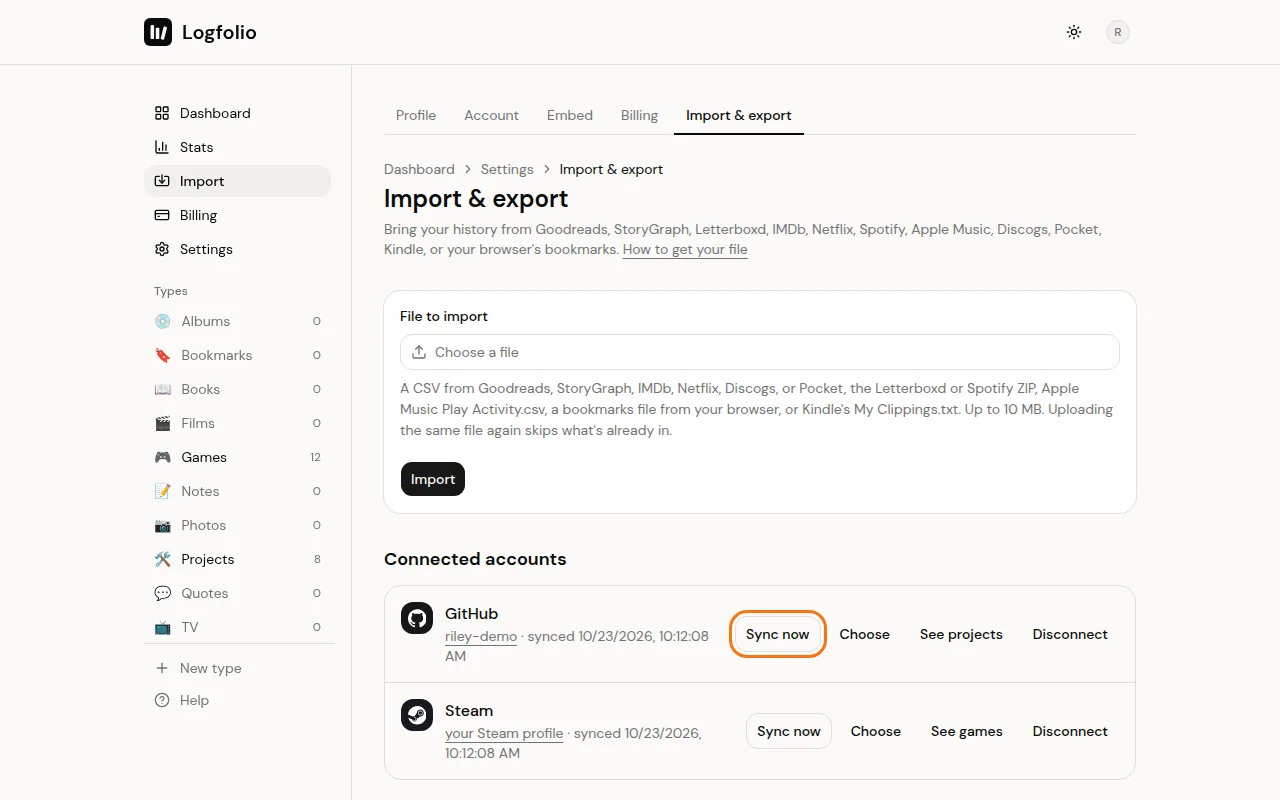
From then on, GitHub syncs once a day. Click Sync now any time. New repos wait behind a Review button (like Review 2 new) until you pick them.
What comes over
- Your public repos, up to 500. Forks are left out.
- Link, description (as About), language and stars.
- The last push as the date, and the year the repo was made.
- In a new Projects type, archived repos show as Archived and the rest as Active.
Good to know
- If you already have a type called Projects, the new one is called GitHub projects.
- If you pick one of your own types, it gets the Link, About, Language and Stars fields it's missing.
- Each sync refreshes the description, language and stars. Your title, rating and review stay as you set them.
- Repos you leave unticked go under Left out and stay out. Unticking a repo under In your log removes it from your log when you save, after you confirm.
- Disconnect stops syncing. What's already in your log stays.
- Projects is a type of your own, so you can rename it. See Create a custom type.