Upload the CSV files IMDb makes and your films and shows land in your Films and TV logs. Anyone can do this. Free brings in up to 20 films and 20 shows, newest first, and Pro brings them all.
Steps
On a computer, open IMDb's website and go to Your Ratings, your Watchlist, or one of your lists. The export isn't in IMDb's app.
Choose Export and download the CSV. Each list is its own file, so repeat this for each one you want.
In Logfolio, open Settings, then the Import & export tab.
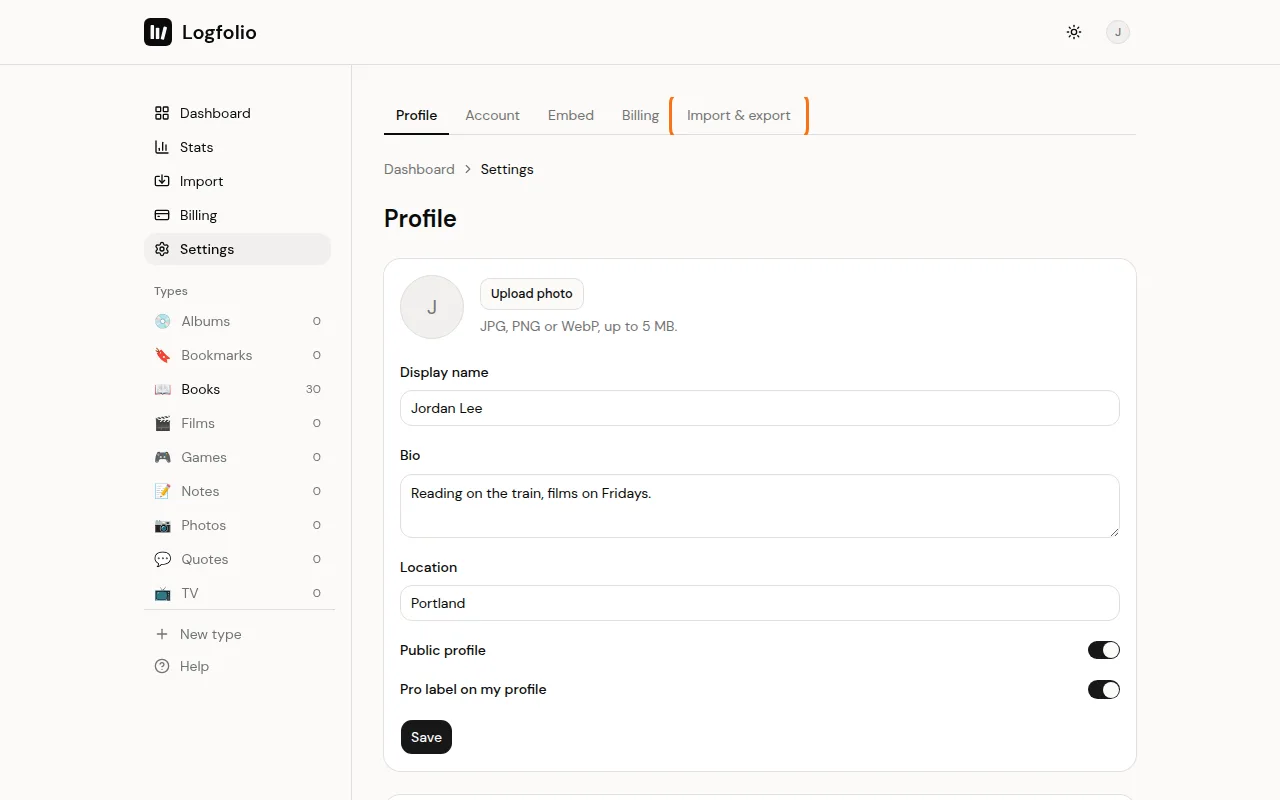
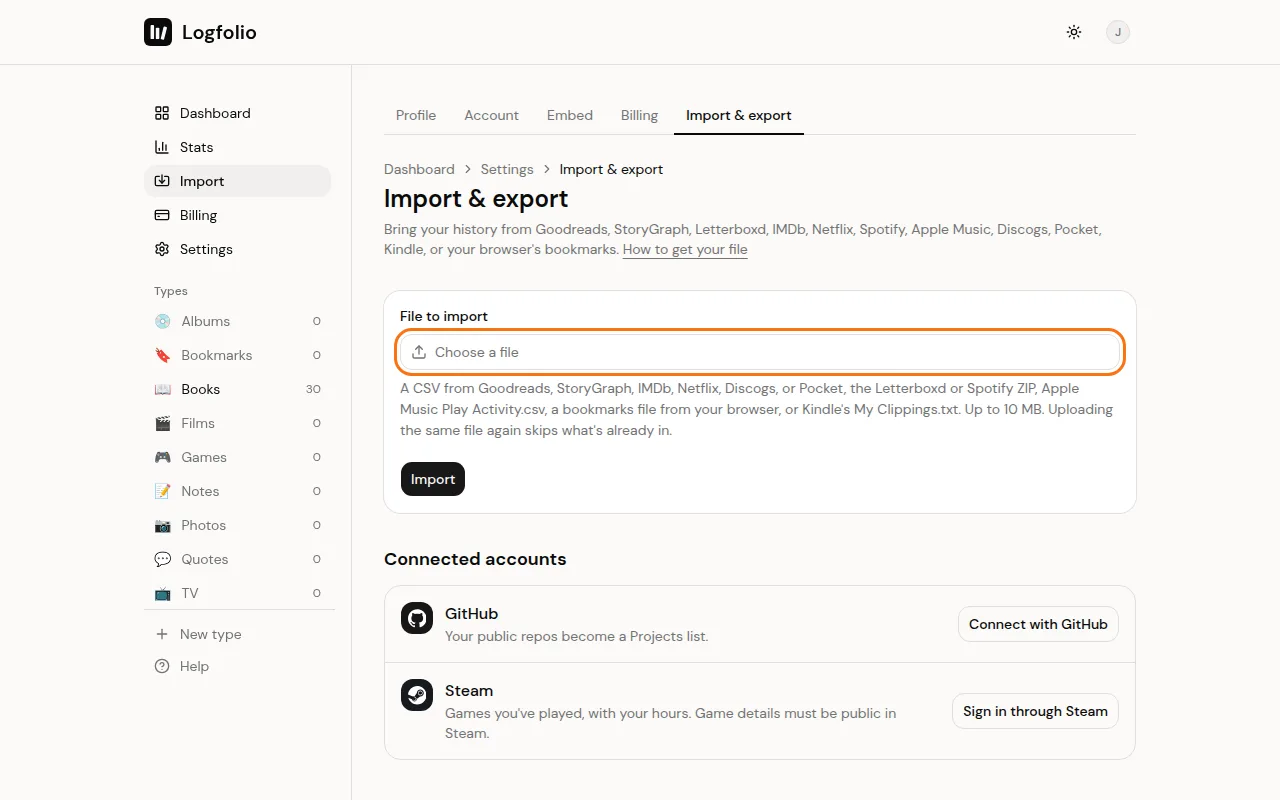
Click Choose a file, pick one IMDb CSV, then click Import. Do the same for each of your other files, one after the other.
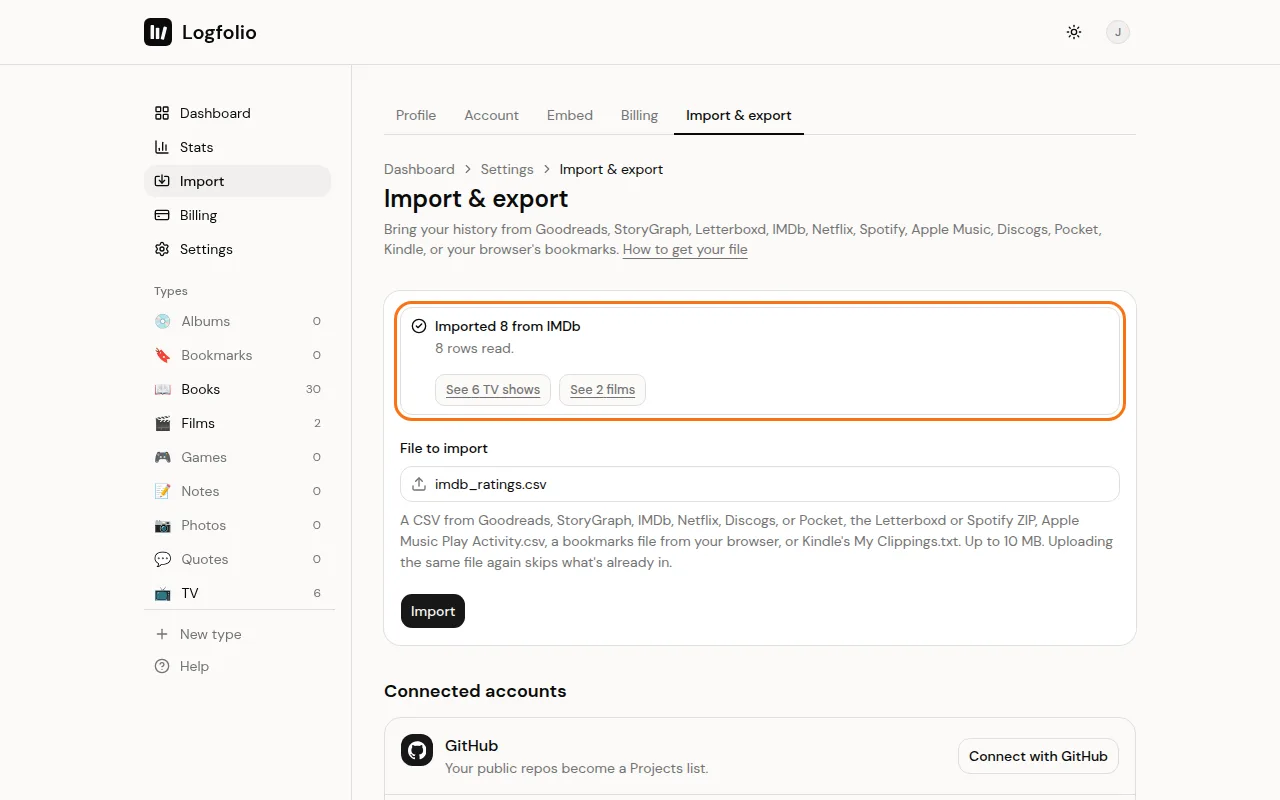
When it's done, a box tells you how many came over, with a See button for your films and one for your TV shows.
What comes over
- Movies, shorts, TV movies, TV specials and videos go to Films. Series and mini-series go to TV.
- Title and year.
- Your rating. IMDb rates out of 10, the same scale Logfolio uses, so a 7 stays a 7.
- The date you rated it, as the date watched.
- Anything you rated comes in as Watched. Titles with no rating come in as Watchlist.
- For films, the director and a link to its IMDb page.
Good to know
- Episodes, video games, podcasts and other kinds of titles are left out. The result tells you how many rows were left out.
- A title that's in more than one of your files lands once, and a rated copy wins over an unrated one.
- Files can be up to 10 MB.
- Uploading the same file again skips what you already have and leaves your edits alone. A film that's already in your log from Letterboxd or added by hand is skipped too, unless the dates differ. See Import your Letterboxd diary.
- If the result says some are over the free limit, upgrade and upload the same file again to bring the rest. See Import limits and duplicates.