Featured entries are your top picks in a type. You can feature up to five in each type, and they're listed first. It works on Free and Pro.
Steps
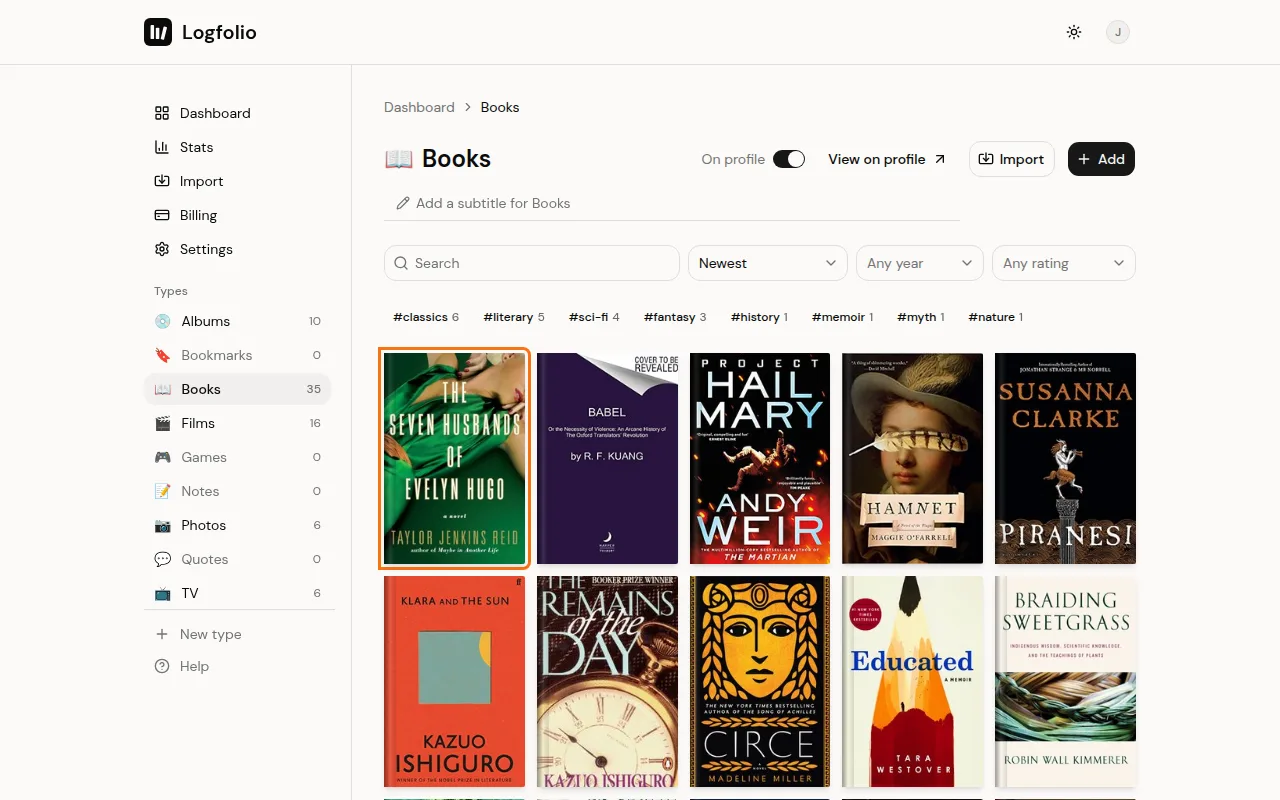
Open the type and click the entry you want to feature.
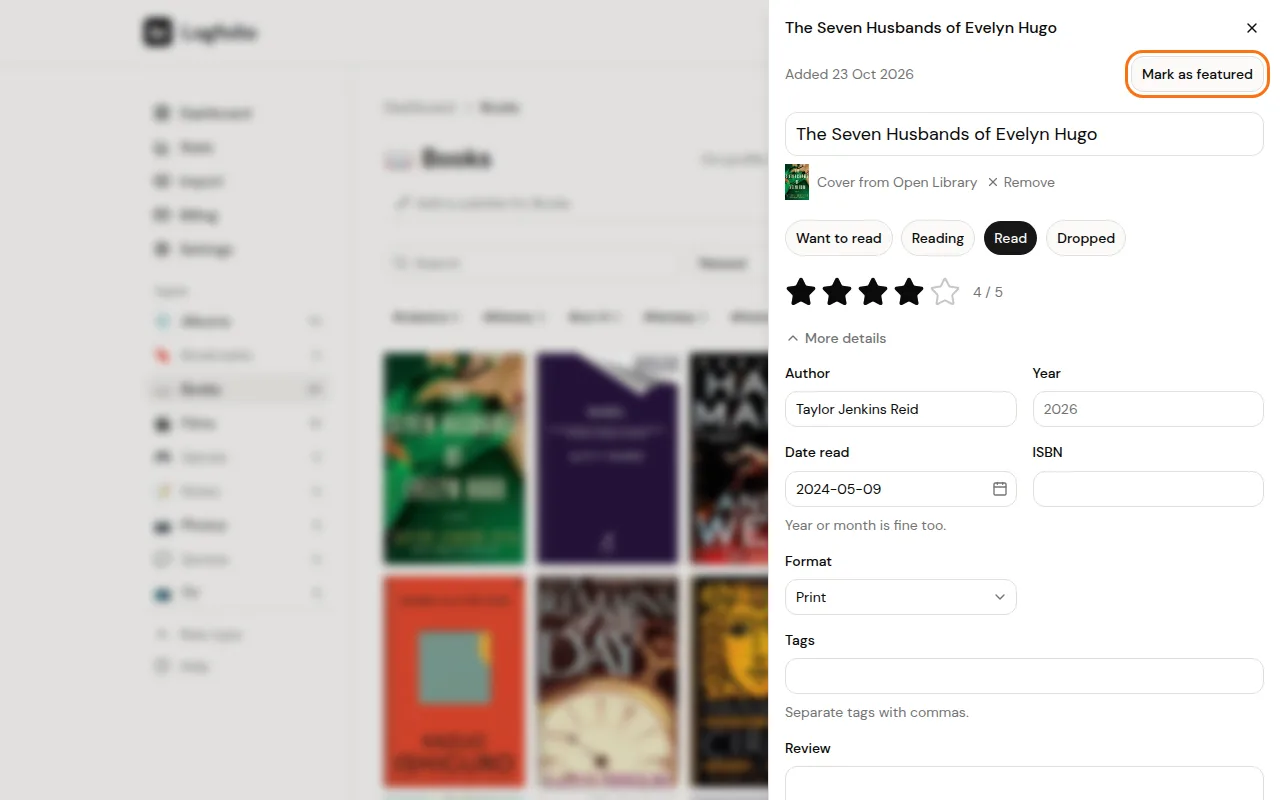
Click Mark as featured at the top of the entry.
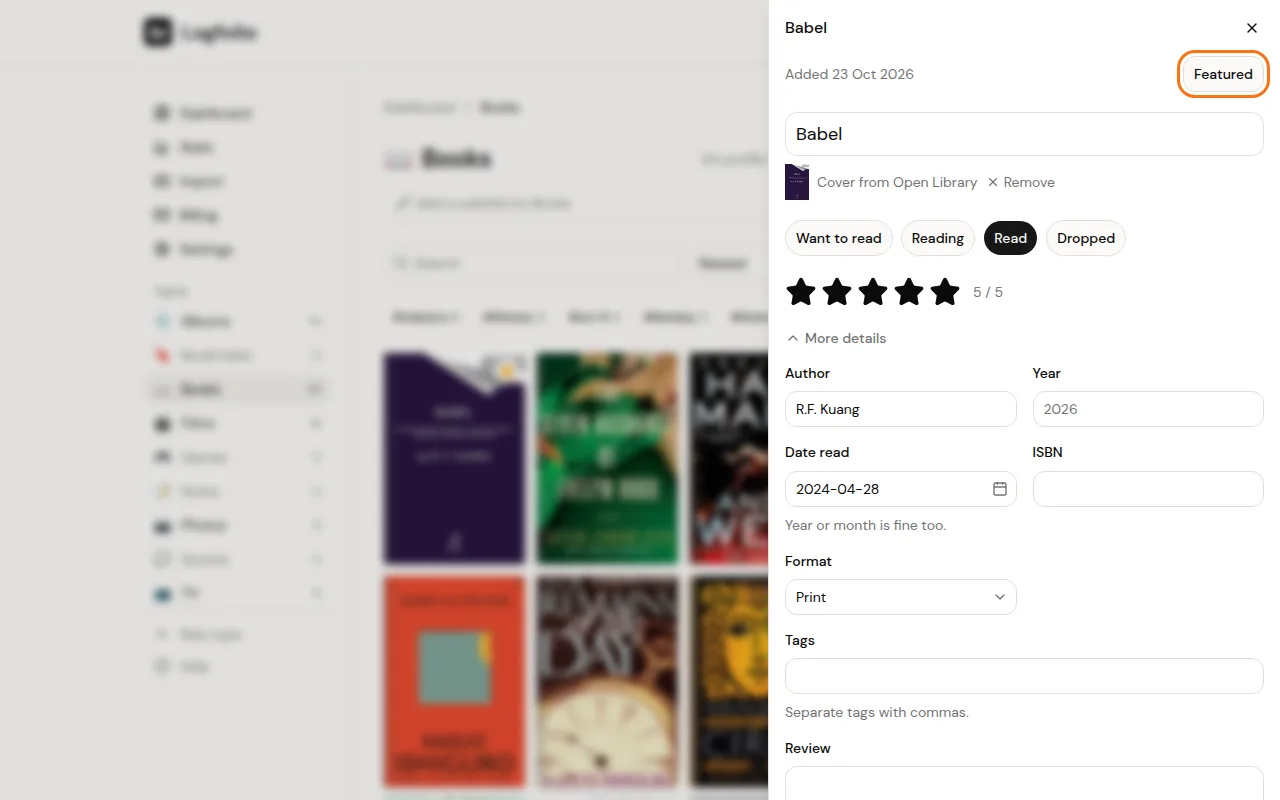
The button now says Featured, and the entry moves to the front of the list. To take it off, click Featured again.
Good to know
- The limit is five per type, so you can have five featured books and five featured films. If you try a sixth, you'll see "You already have 5 featured here. Unfeature one first."
- Featured entries come first when the list is sorted by Newest, which is the default. If you or a visitor picks another sort, like Rating or Title A to Z, the list follows that sort instead.
- In your log, a featured cover has a small star in its corner. On your public page it has no mark; it just sits at the front.
- In a Pro type you can't use anymore (after Pro ends), the button doesn't show, since those types are read-only.
- To choose which sections show on your page and in what order, see arrange your sections.