The Import page works out which app each file came from. Netflix, Spotify, Apple Music and Discogs work on any plan (up to 20 entries per type on Free). Bookmarks (Pocket or browser) and Kindle quotes need Pro.
Steps
Get your file:
- Netflix: on the website, open Account, choose a profile, then Viewing activity, and click Download all at the bottom. Each profile has its own file.
- Spotify: on your Account privacy page, use Download your data and ask for Extended streaming history (add Account data for your saved albums). Download the ZIP when Spotify emails you.
- Apple Music: at privacy.apple.com, choose Request a copy of your data, then Apple Media Services information. When it's ready, download it and find Apple Music Play Activity.csv in the Apple Music Activity folder.
- Discogs: open your Collection and choose Export. Pick Collection (or Wantlist), choose Request Data Export, and download the CSV when it's ready.
- Pocket: use the export you saved before Pocket shut down: a CSV, a ZIP, or ril_export.html.
- Kindle: plug your Kindle into a computer, open its documents folder, and copy My Clippings.txt.
- Browser bookmarks: in Chrome, open the bookmarks manager, then ⋮ and Export bookmarks. In Firefox, open Manage bookmarks, then Import and Backup, then Export Bookmarks to HTML. In Safari, choose File, Export, Bookmarks.
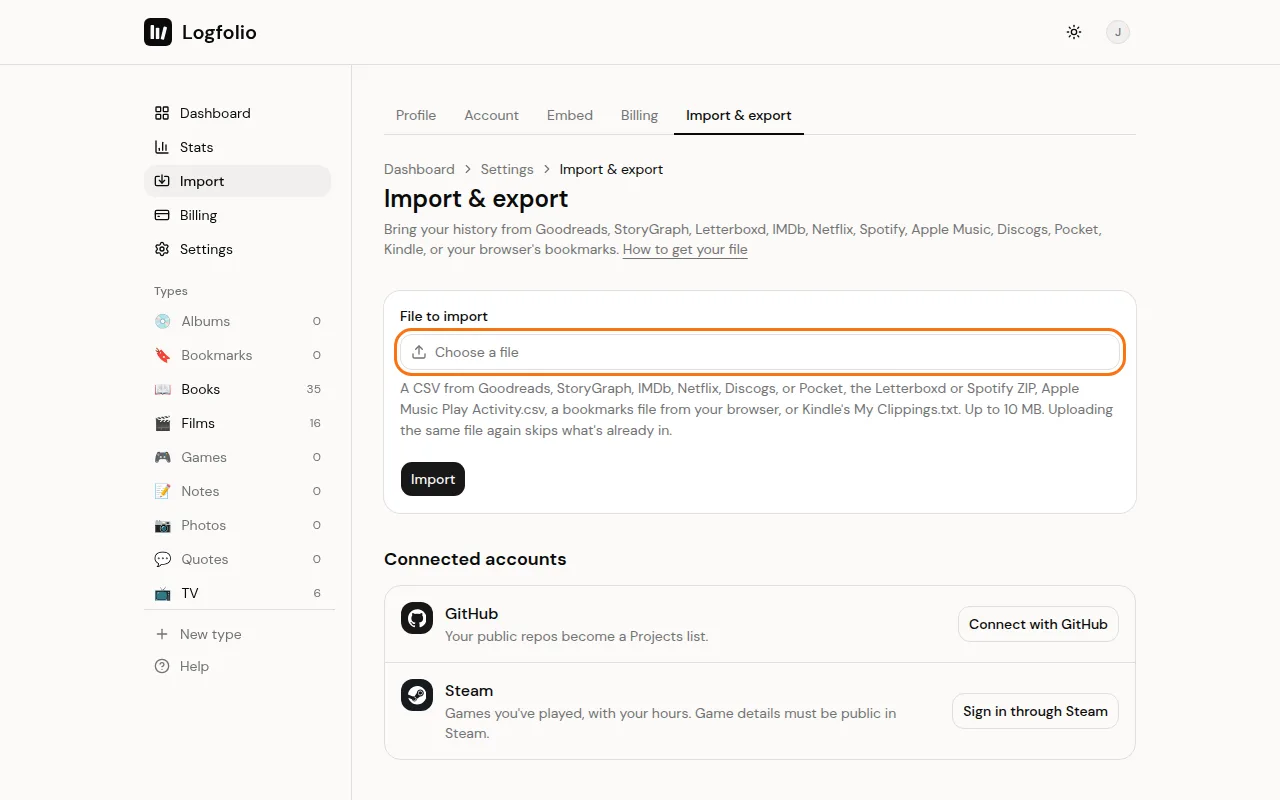
In Logfolio, open Settings → Import & export, click Choose a file, pick the file, and click Import.
What comes over
- Netflix: one TV entry per show, dated by the last episode you watched, and your films. All come in as Watched, with no ratings or years.
- Spotify and Apple Music: the albums you played, meaning three or more different tracks for 30 seconds or longer, or 20 minutes of the album in all. Each is dated by your last play and comes in as Listened. Spotify's saved albums come in too, without a date.
- Discogs: albums with artist, year, rating, notes (private), and format and folder as tags. Collection records come in as Listened, your wantlist as Want to hear.
- Pocket: bookmarks with link, tags and date saved. Archived ones come in as Read, unread ones as To read.
- Kindle: each highlight as a quote, with the author as Said by, the book as Source, and the date.
- Browser bookmarks: each link with its title and date saved, and your own folders as tags. All come in as To read.
Good to know
- A Netflix film with colons in its name can now and then land as a show. Delete it and add it again in Films.
- Spotify's quick Account data download has no album names in its plays, so only your saved albums come from it. Extended streaming history has the plays.
- Apple's file often leaves the artist empty, so some albums arrive without one.
- Kindle notes and bookmarks are left out, and so are clippings from a Kindle set to a language other than English.
- The same link saved twice lands once.
- Files can be up to 10 MB. Uploading the same file again skips what's already in. See Import limits and duplicates.
- On Free, a Pocket, bookmarks or Kindle file isn't imported. See Upgrade to Pro.