You can mark any single entry private, or make your whole profile private. Both need Pro. A private entry stays on your log where only you can see it.
Steps
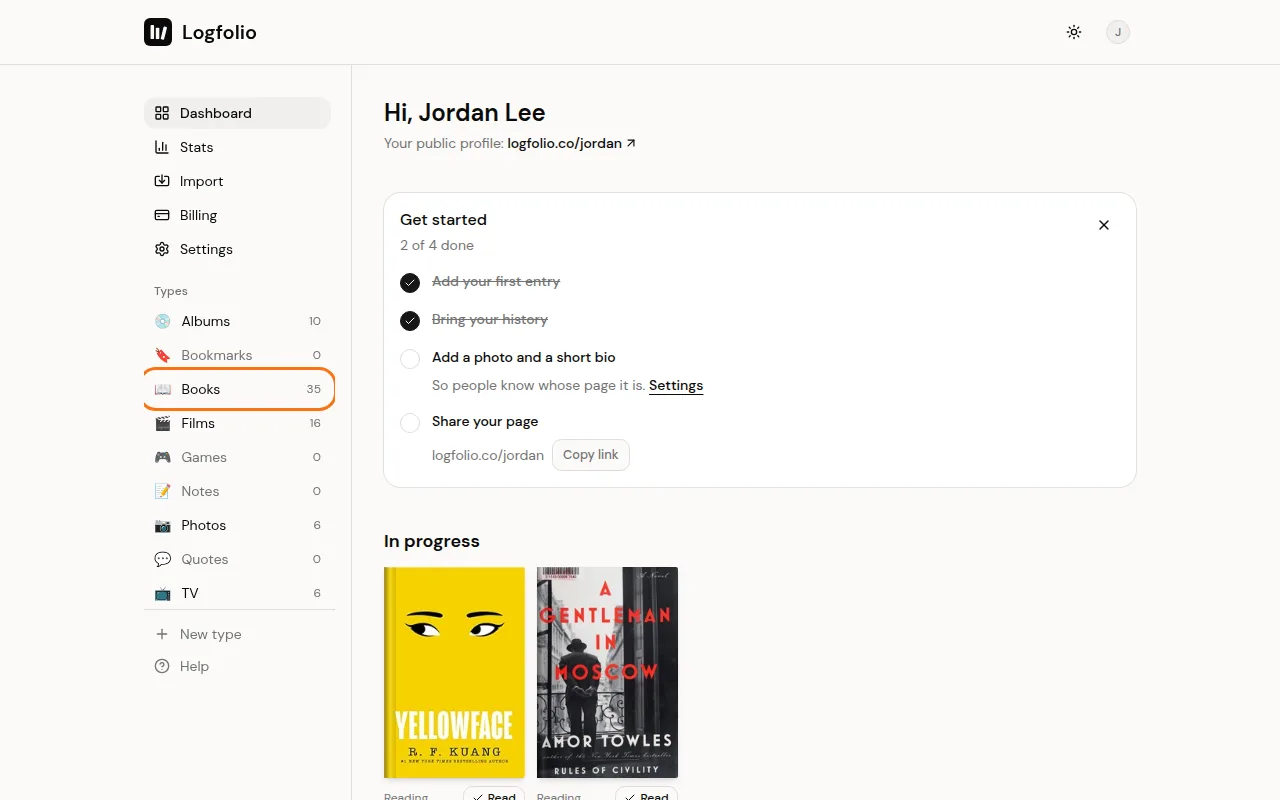
From your Dashboard, open the type the entry is in, like Books.
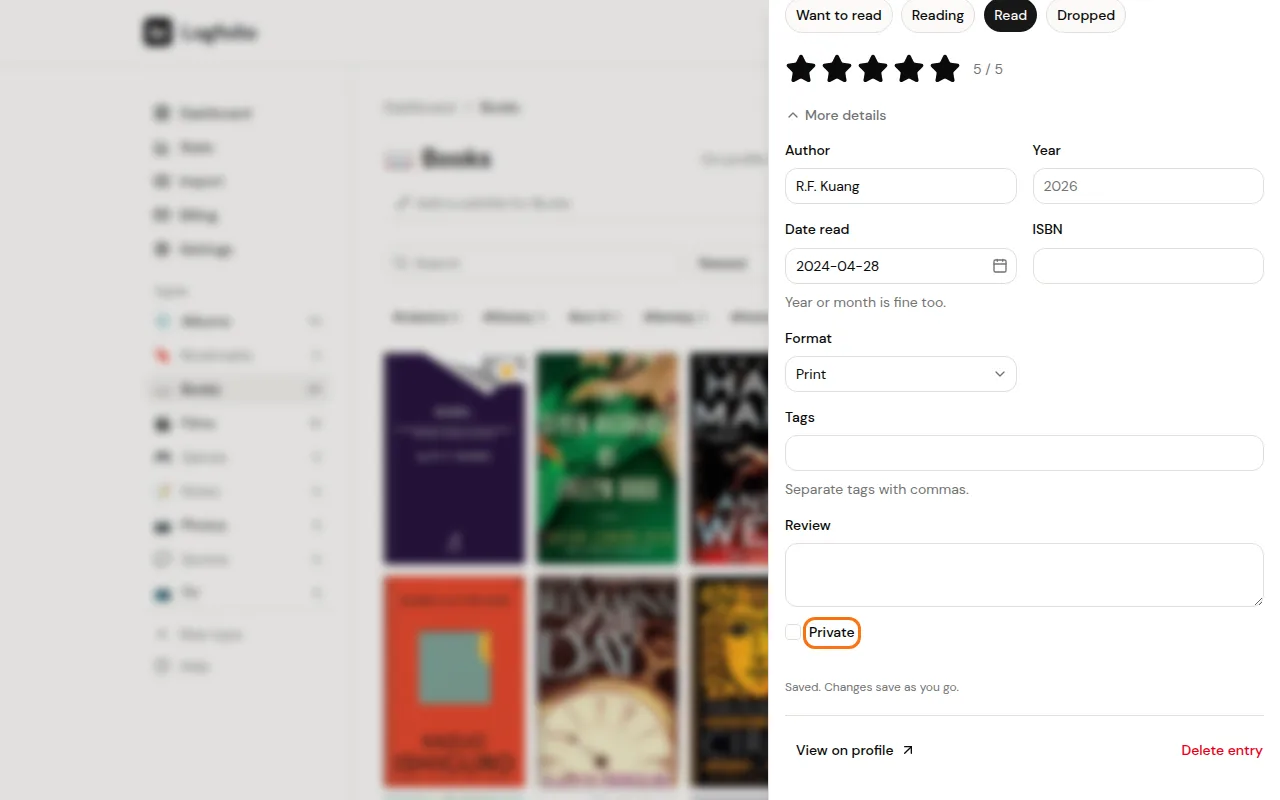
Select the entry, then tick Private in the panel that opens. It saves by itself, and the entry gets a small lock on your log.
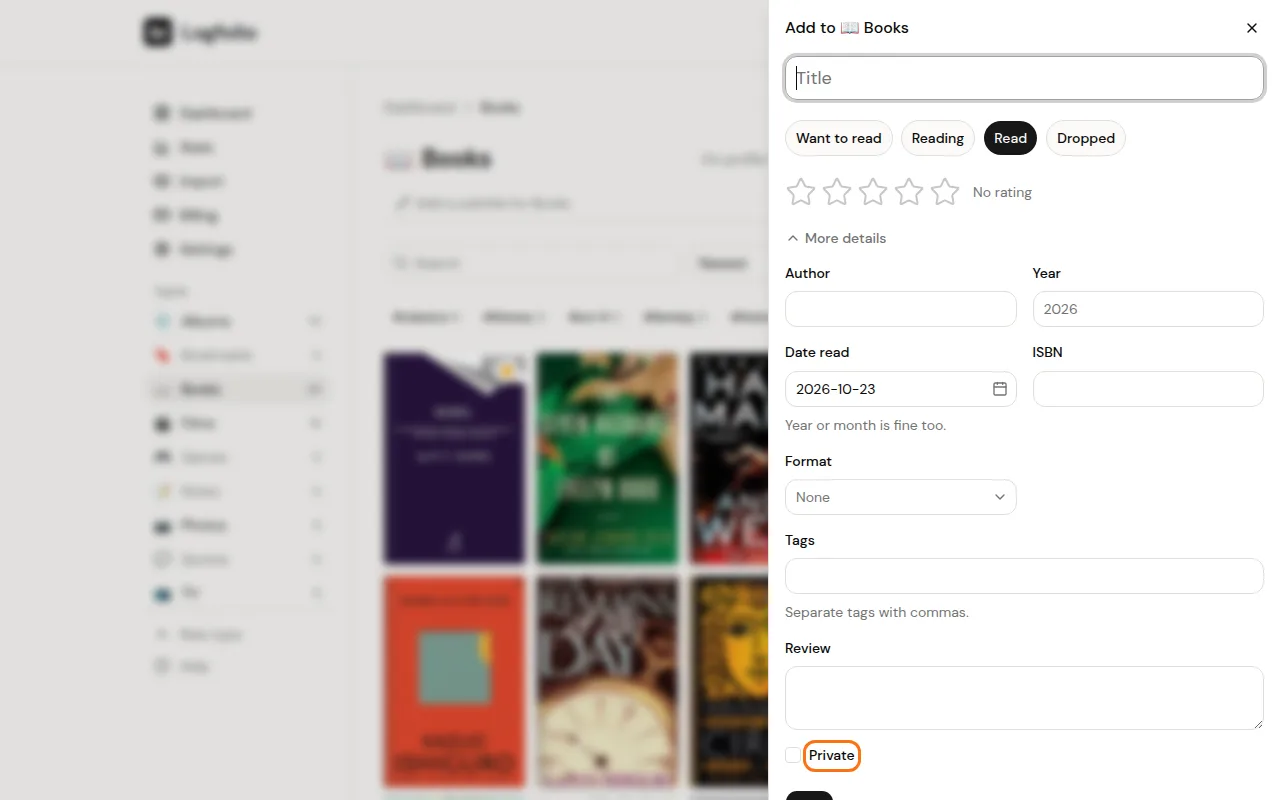
Adding something new? Select Add, open More details, tick Private, then select Add to save it.
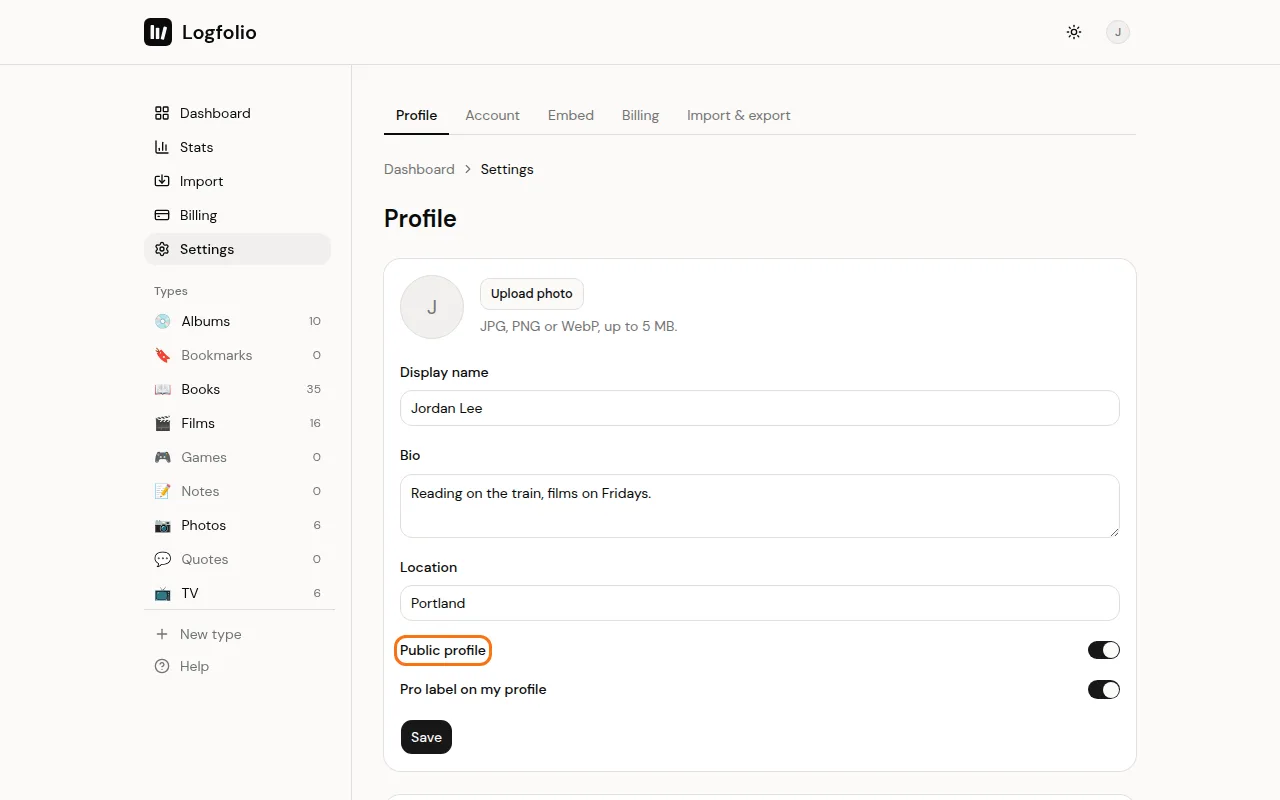
To hide your whole page, go to Settings, turn off Public profile, and select Save.
Good to know
- A private entry is left off your profile, your section pages, your counts, and your website card. Its tags stay private too.
- Your reviews never show on your page, private or not.
- In types you make yourself, each field has an eye button. Fields with it off are only for you. See Create your own type.
- Notes stay off your page unless you turn on Public for that note, which is also Pro.
- While your profile is private, everyone else gets a "not found" screen on your page and every page under it. On your main page you get a note saying it's private, with a link to Settings. Use Arrange profile in Settings if you want to change your sections in the meantime.
- A private profile also empties your website card, and shared links show a plain Logfolio picture instead of your name.
- On Free, the Public profile switch can't be turned off ("Hiding is a Pro feature").
- If your Pro ends, nothing private goes public. Private entries stay private, and a profile you hid stays hidden. You can't mark new things private until you upgrade again.