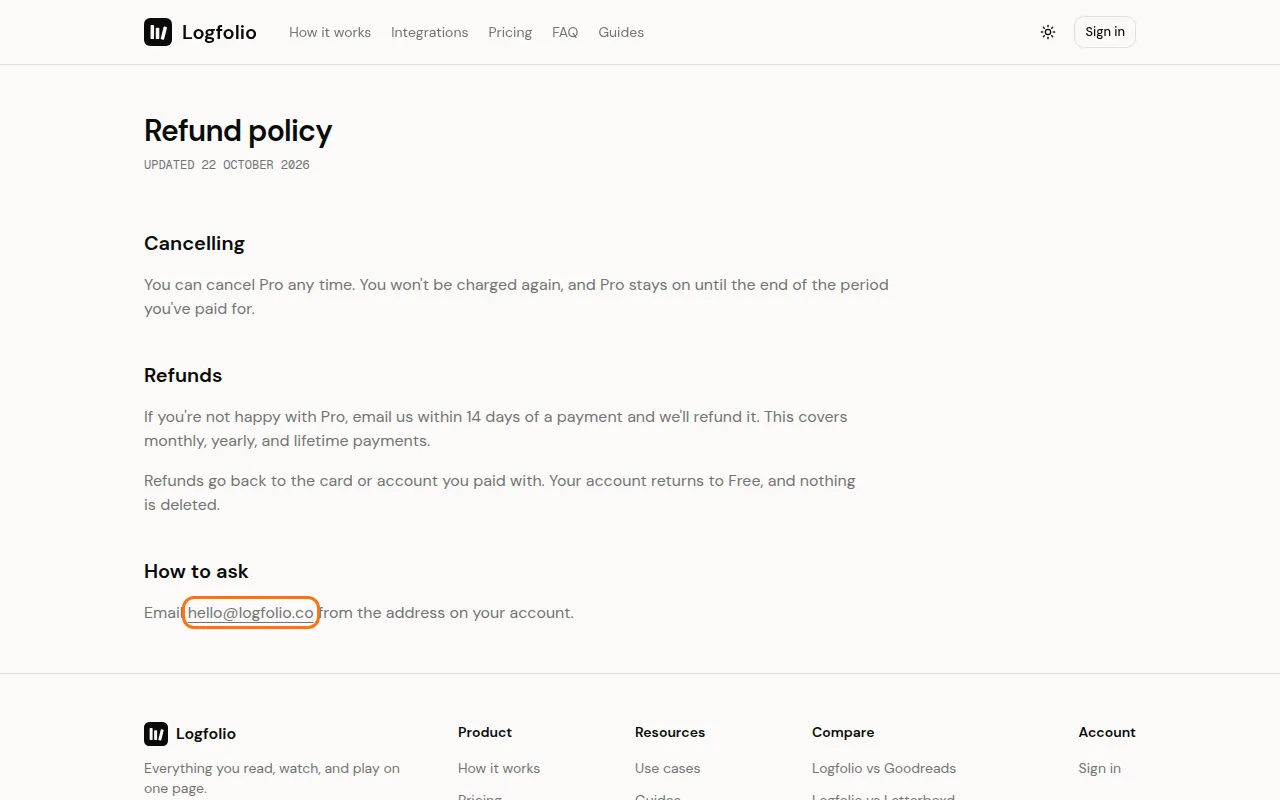
If you're not happy with Pro, email us within 14 days of a payment and we'll refund it. This covers monthly, yearly and lifetime payments.
Steps
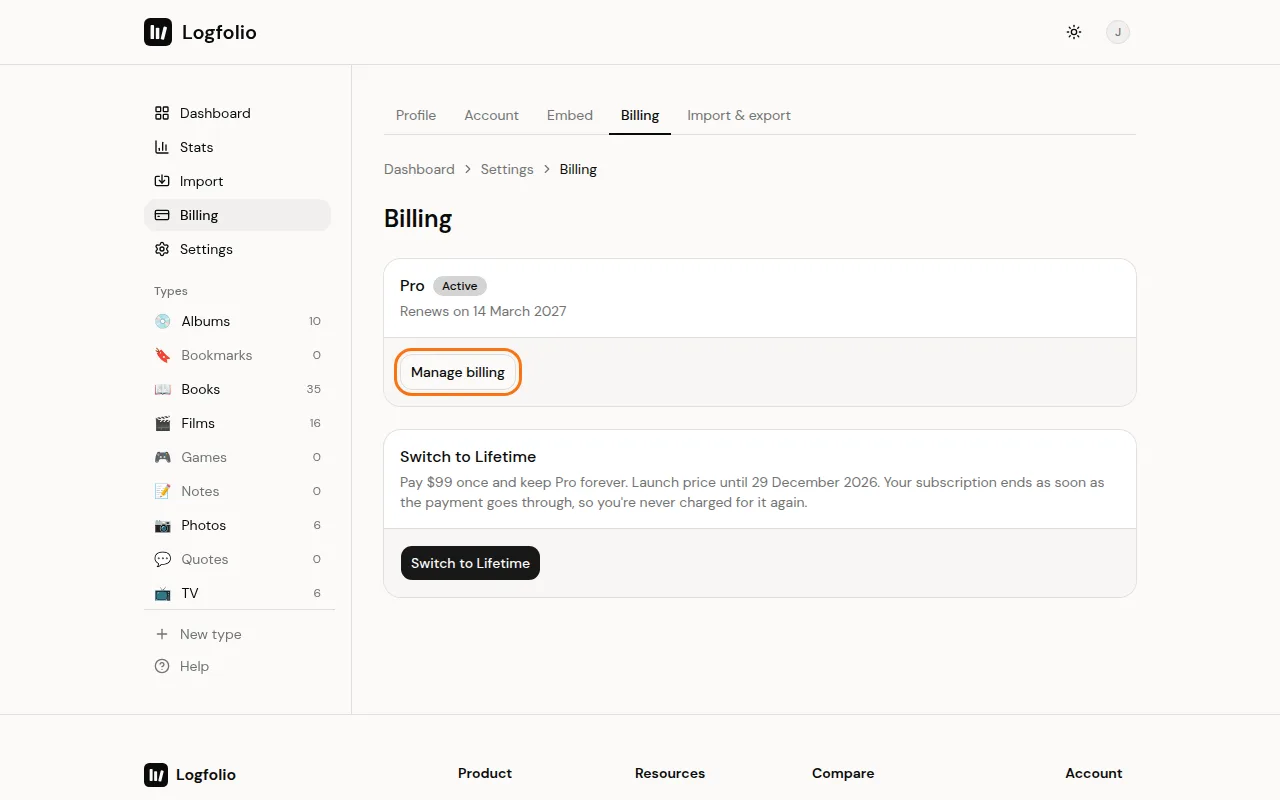
Check when you paid. Open Billing from the account menu and click Manage billing to see your invoices on Polar's page.
Email hello@logfolio.co from the email address on your account and ask for a refund. It must be within 14 days of the payment.
Good to know
- Refunds go back to the card or account you paid with.
- After a refund, your account goes back to Free. Nothing is deleted. Types over 20 entries keep them but can't take new ones, and Pro-only types become read-only.
- A refund isn't the same as cancelling. If you only want to stop future charges, cancel Pro instead. You won't be charged again, and Pro stays on until the end of the period you paid for.
- Full details are in the refund policy.