You can delete your account from Settings → Account at any time, on any plan. It removes your account and everything in it right away, and it can't be undone.
Steps
Download a copy of your log first, if you want one. See export your data.

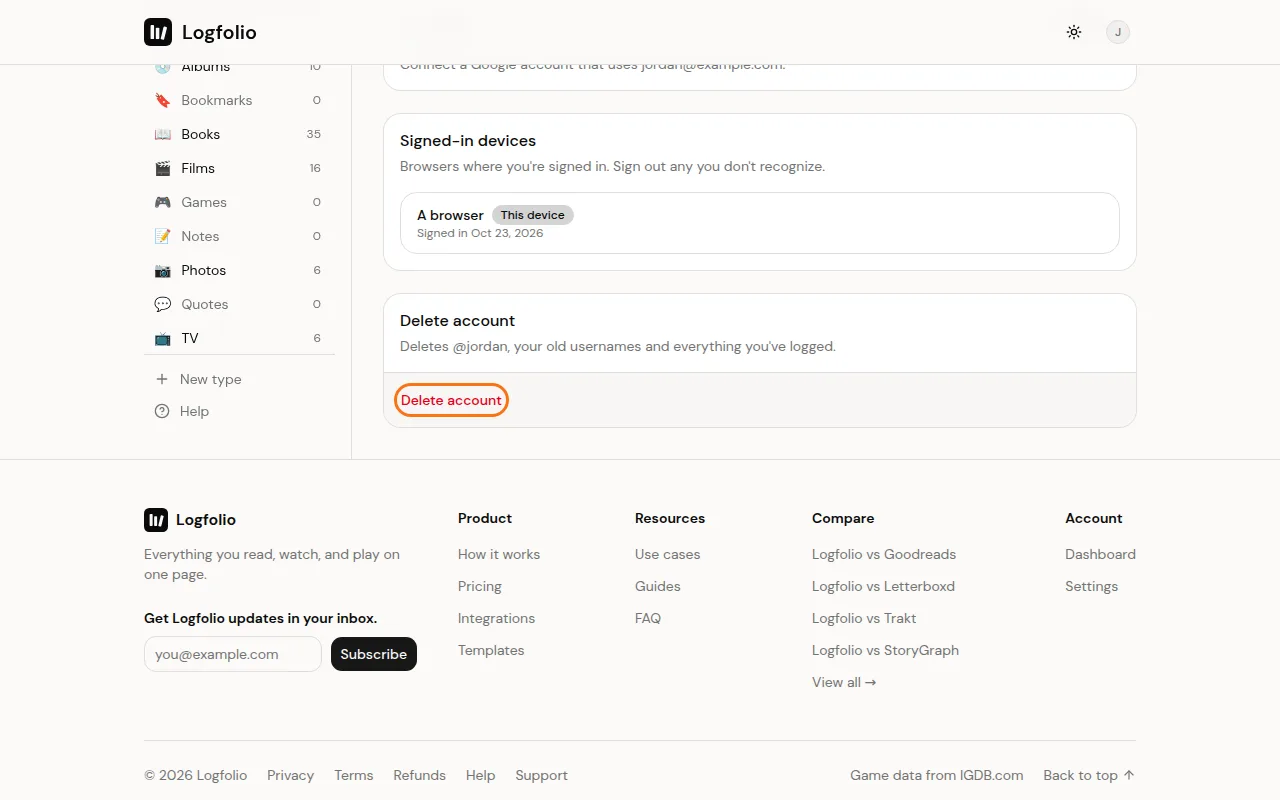
In Settings, open the Account tab, scroll to the bottom and click Delete account in the Delete account card.
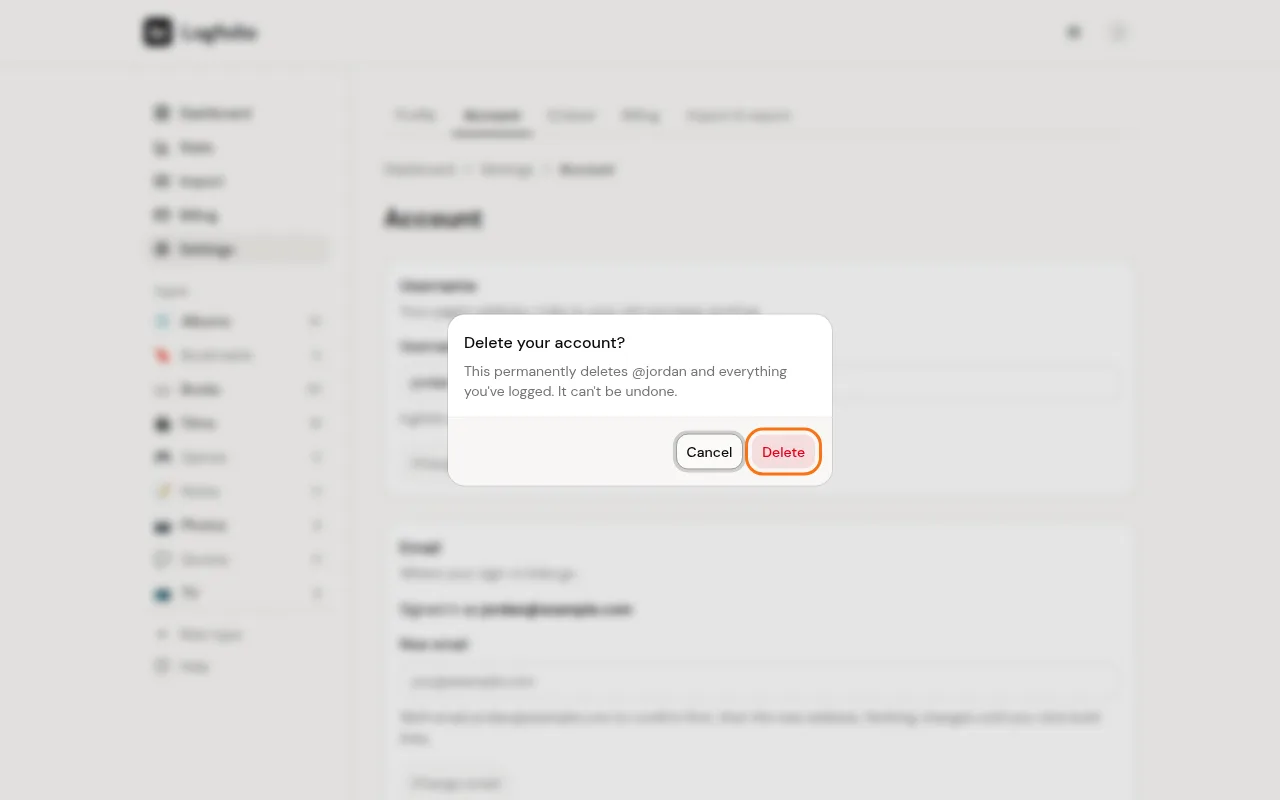
A box asks Delete your account? Click Delete to confirm, or Cancel to keep your account.
Good to know
- This deletes your username, your page, every entry, note and type, and your photos.
- If you pay monthly or yearly, your subscription ends right away, so you won't be charged again. You don't need to cancel it first.
- If we can't reach the payment service at that moment, nothing is deleted. Try again in a little while.
- Copies in our backups are gone within 30 days.
- After deleting, you're taken back to the home page.
- Deleting doesn't refund any payment. If you want one, see get a refund.