For Books, Films, TV and Albums, you search as you type and pick the right one, so it comes with its cover. Anyone can do this. Free holds 20 entries in each type, and Pro has no limit.
Steps
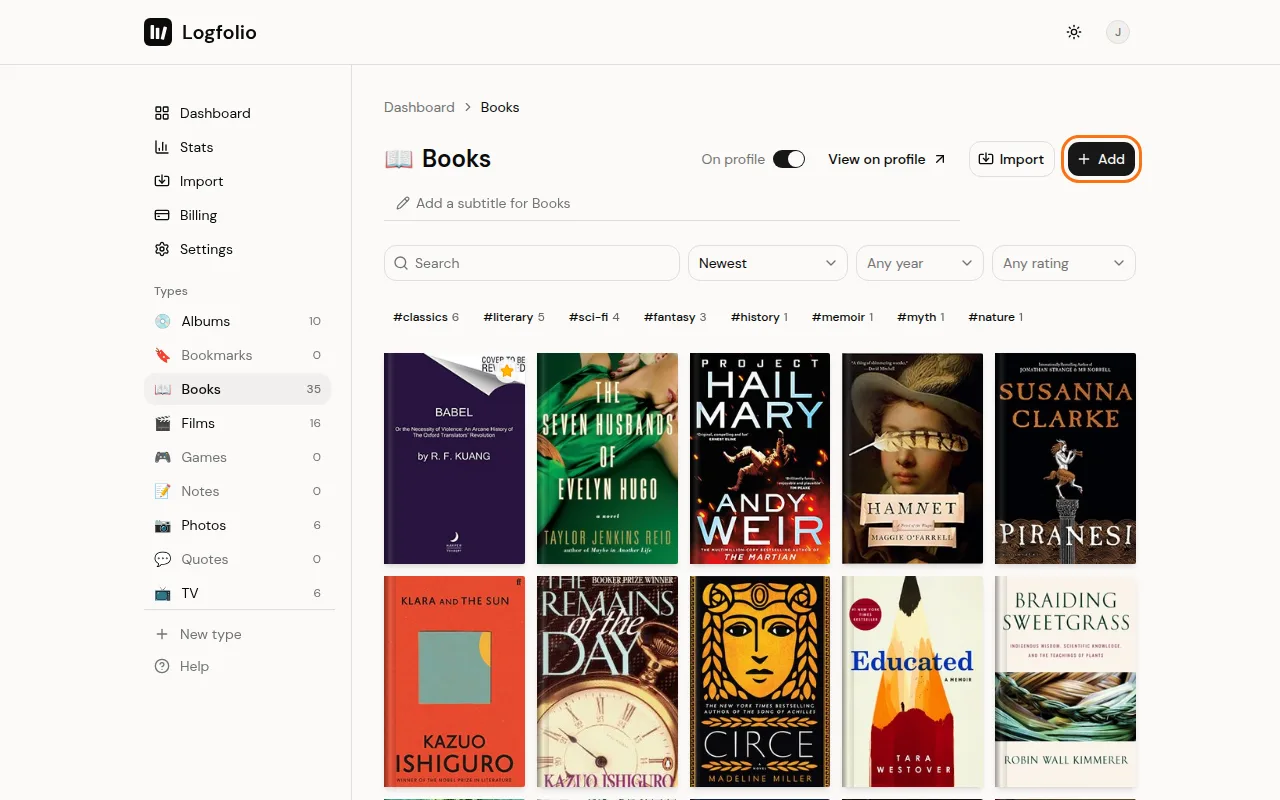
Open a type from the sidebar (Books, for example) and click Add.
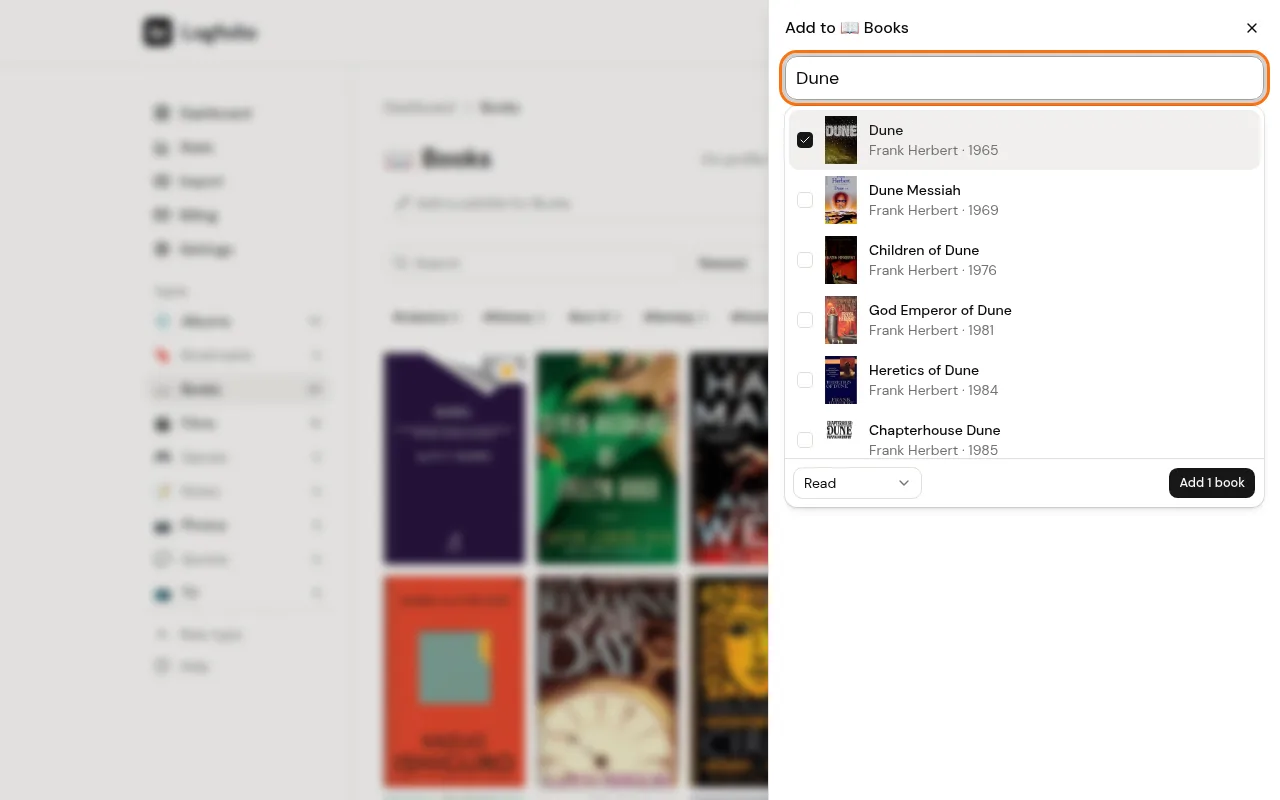
Start typing the title. Matches show up under the box after two letters. Click the one you want so it gets a tick.
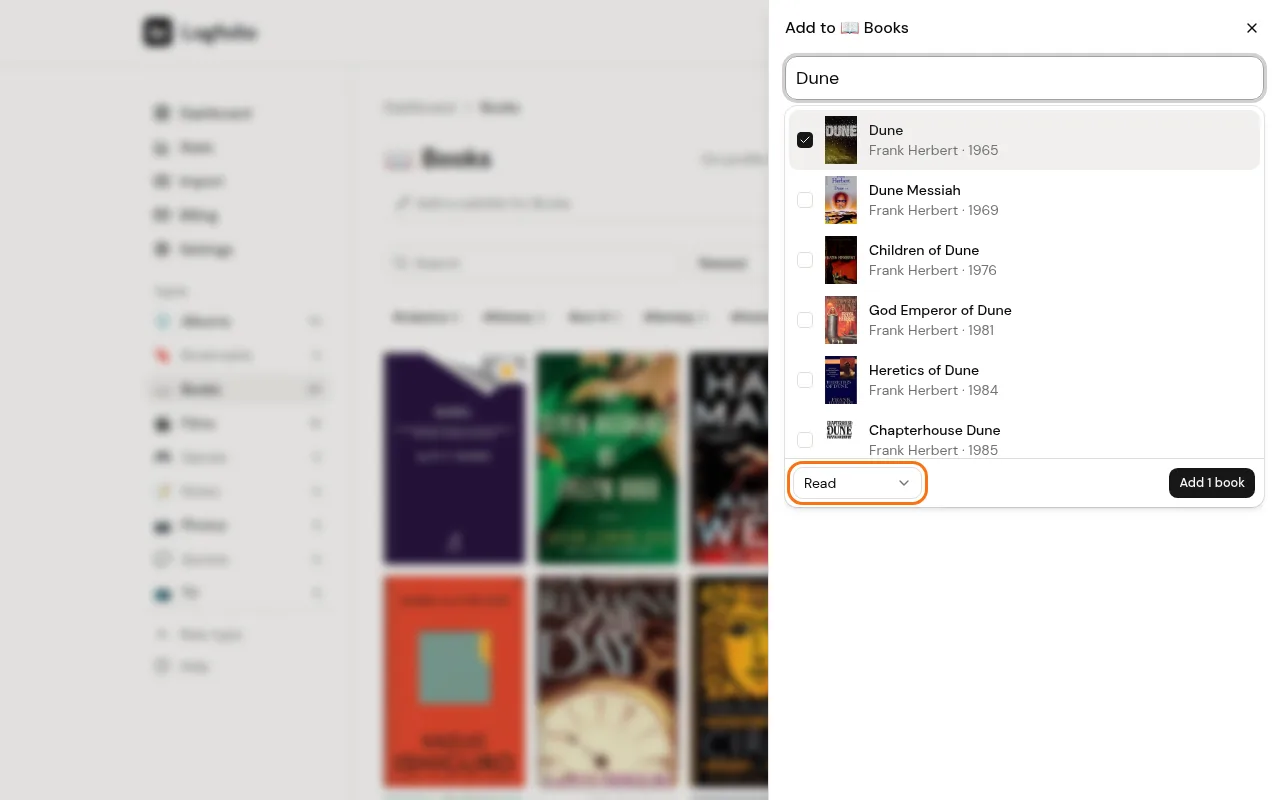
Pick a status in the menu at the bottom of the list (like Read or Want to read), then click Add 1 book.
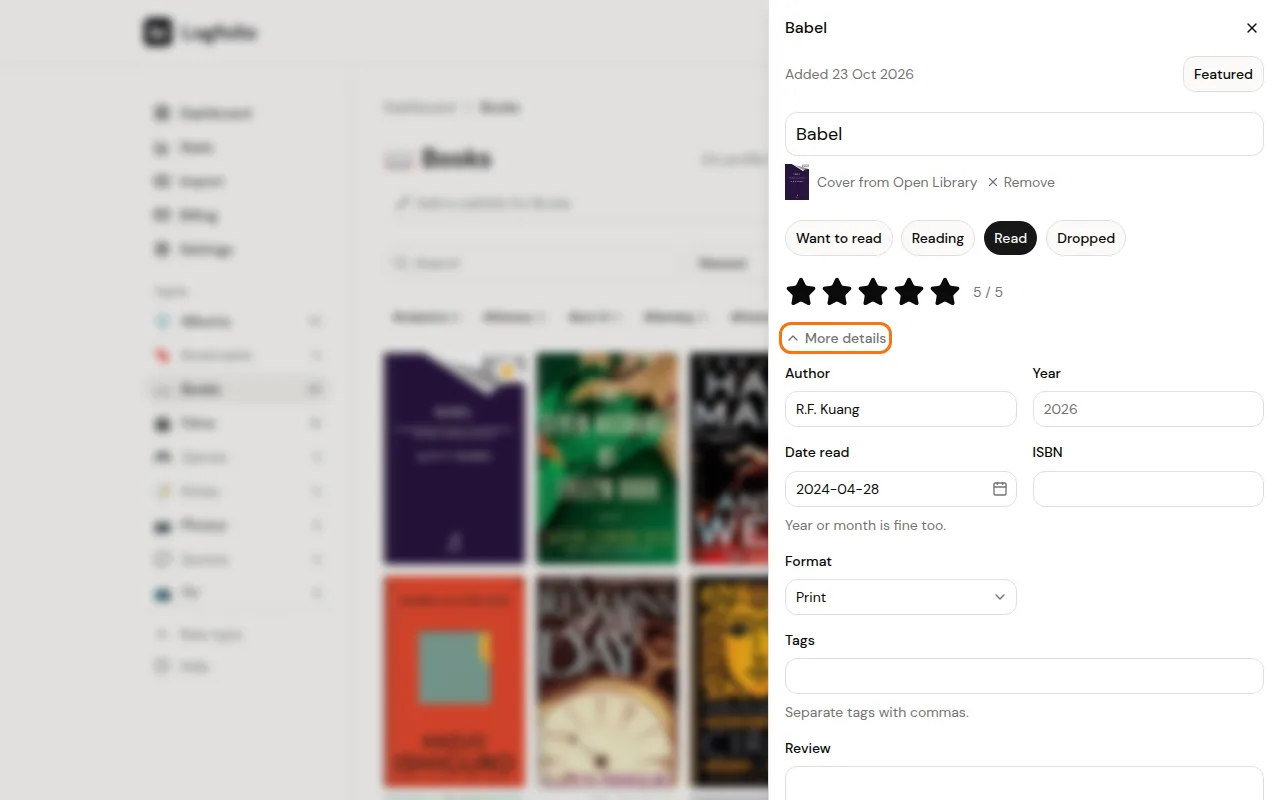
Click the new entry in your list to open it. Tap the stars for a rating (half stars work). The date and your review are under More details. Changes save as you go.
Good to know
- Games, and anything search can't find, work the same way without the tick: type the title, set the status and stars, fill in More details, and click Add. Covers for typed entries are looked up later, and they're only added when there's a clear match.
- The date field only shows when the status is the finished one (like Read or Watched) or Dropped. It's named for the type, like Date read. You can type a full date, a month (2026-10) or just a year (2026), or use the calendar button.
- Your review stays private. Your page shows titles, ratings, dates and tags, not reviews.
- Private under More details hides one entry from your page. That's a Pro feature.
- On Free, the number next to the type name (like 3/20) shows how much room is left.
- Things you're in the middle of show under In progress on your dashboard, with a button to mark them finished.
- Want to log a stack in one go? See add several at once.