If you pay for Pro monthly or yearly, you can switch to lifetime and pay once. The unused part of your current plan comes off the lifetime price, and your subscription ends as soon as the payment goes through.
Steps
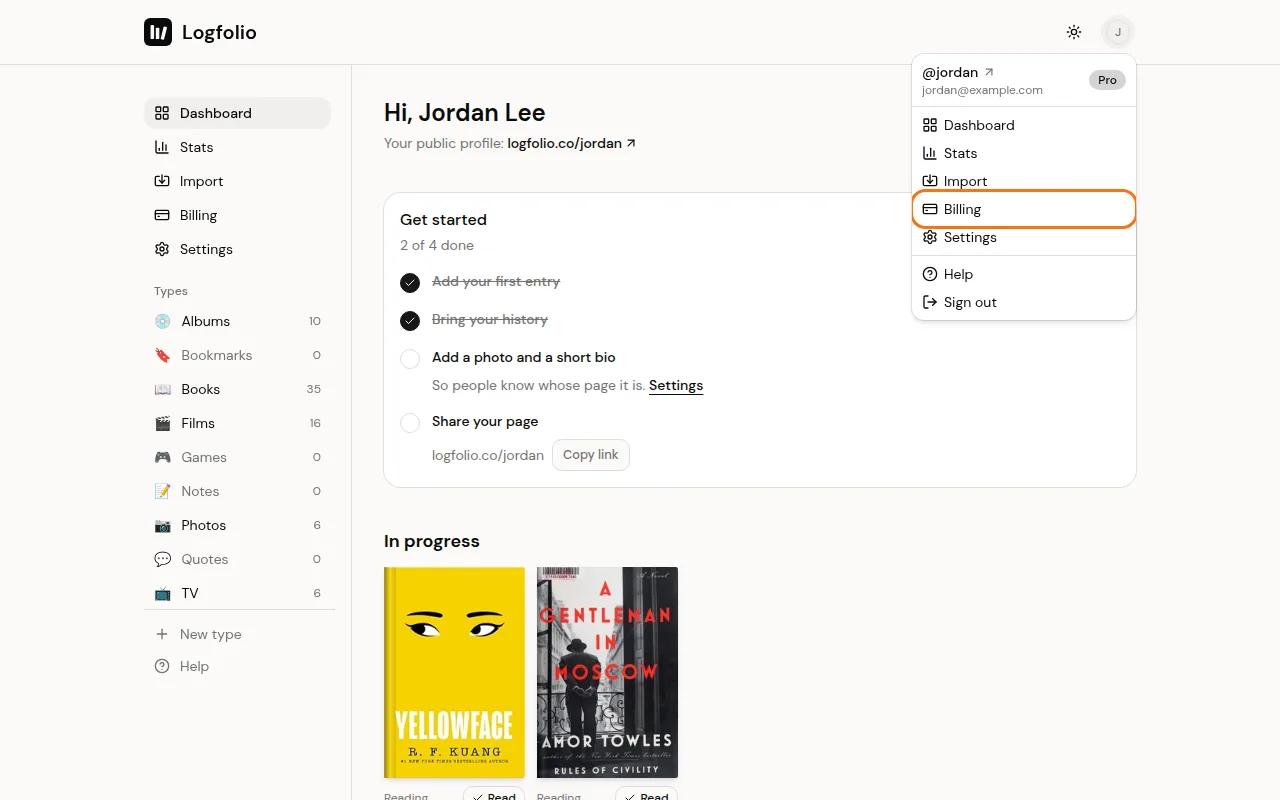
Open the account menu and click Billing.
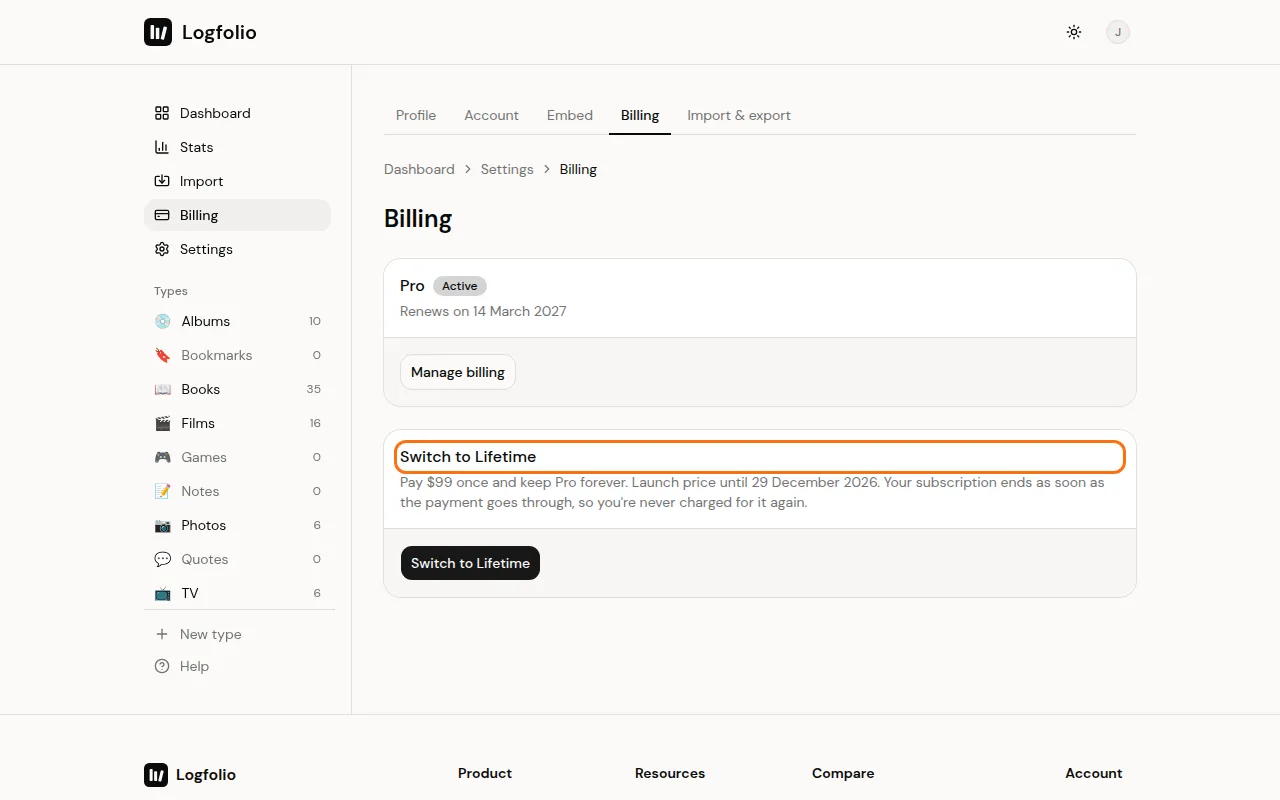
Find the Switch to Lifetime card under your plan. It shows what you'll pay: the lifetime price minus the time left on your current plan.
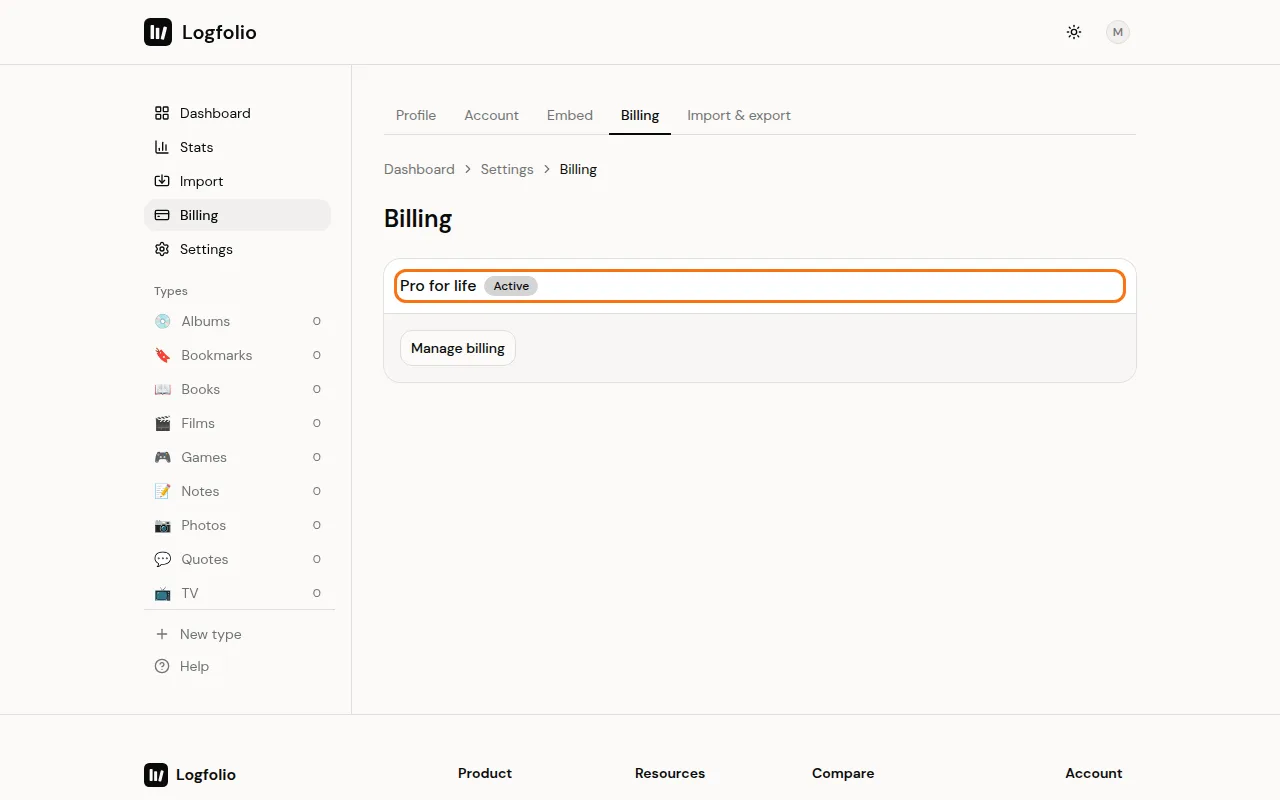
Click the Switch to Lifetime button and pay on the checkout page. When you're back, Billing shows Pro for life.
Good to know
- Lifetime is $149. While the launch price is on, it's $99, and the card says when that ends.
- The credit is the unused share of what you paid for your current month or year. For example, halfway through a yearly plan, about half of what you paid that year comes off.
- The price never drops below $1.
- Your subscription ends once lifetime is paid, so you're never charged for it again. You don't need to cancel it yourself.
- Lifetime has no renewals. Pro stays on for good.
- The Switch to Lifetime card only shows while you have an active monthly or yearly plan. On Free, pick the Lifetime card on Billing instead (see upgrade to Pro).
- Refunds cover lifetime payments too, within 14 days. See get a refund.