Logfolio doesn't use passwords. You sign in with a link we email you, or with Google when that button is there. Every account starts on Free, and you can go Pro whenever you like.
Steps
Click Sign in at the top of any page on logfolio.co.

Type your email and click Email me a sign-in link. If you'd rather use Google, click Continue with Google instead and skip to step 4.
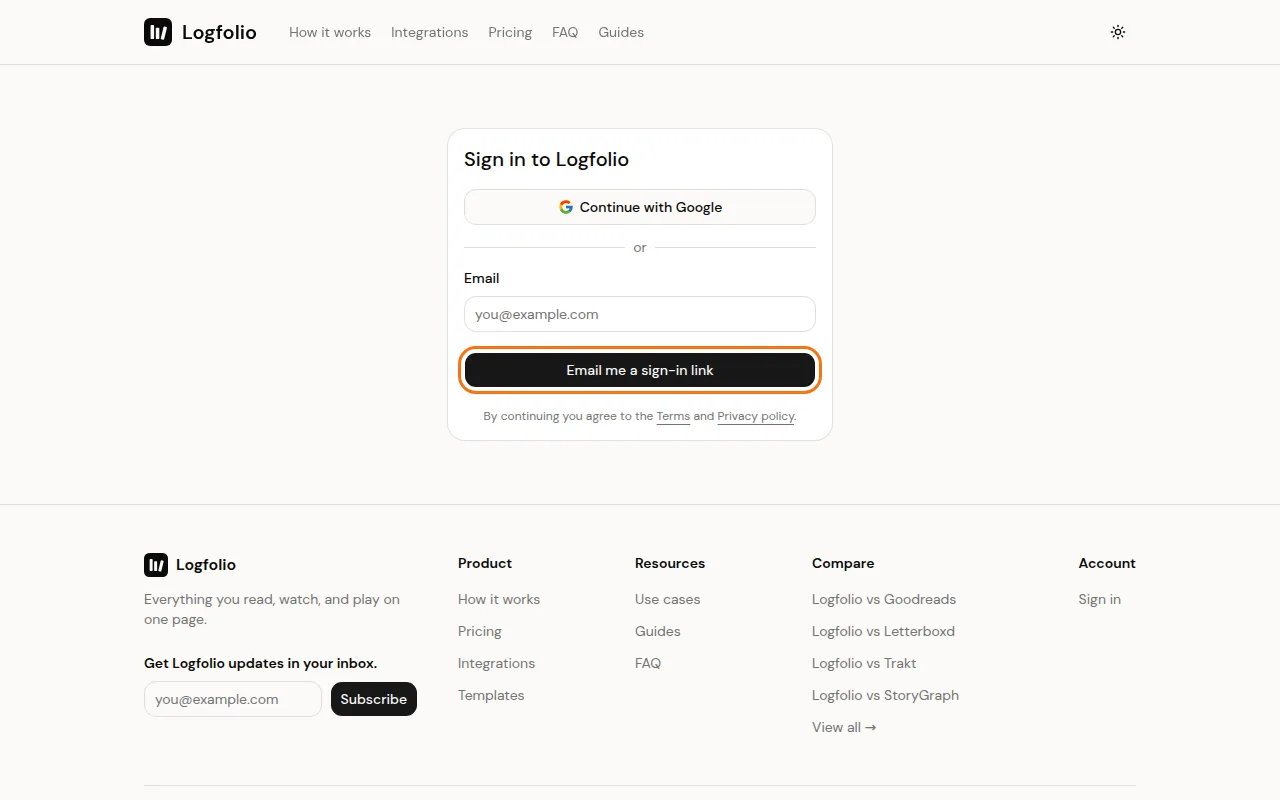
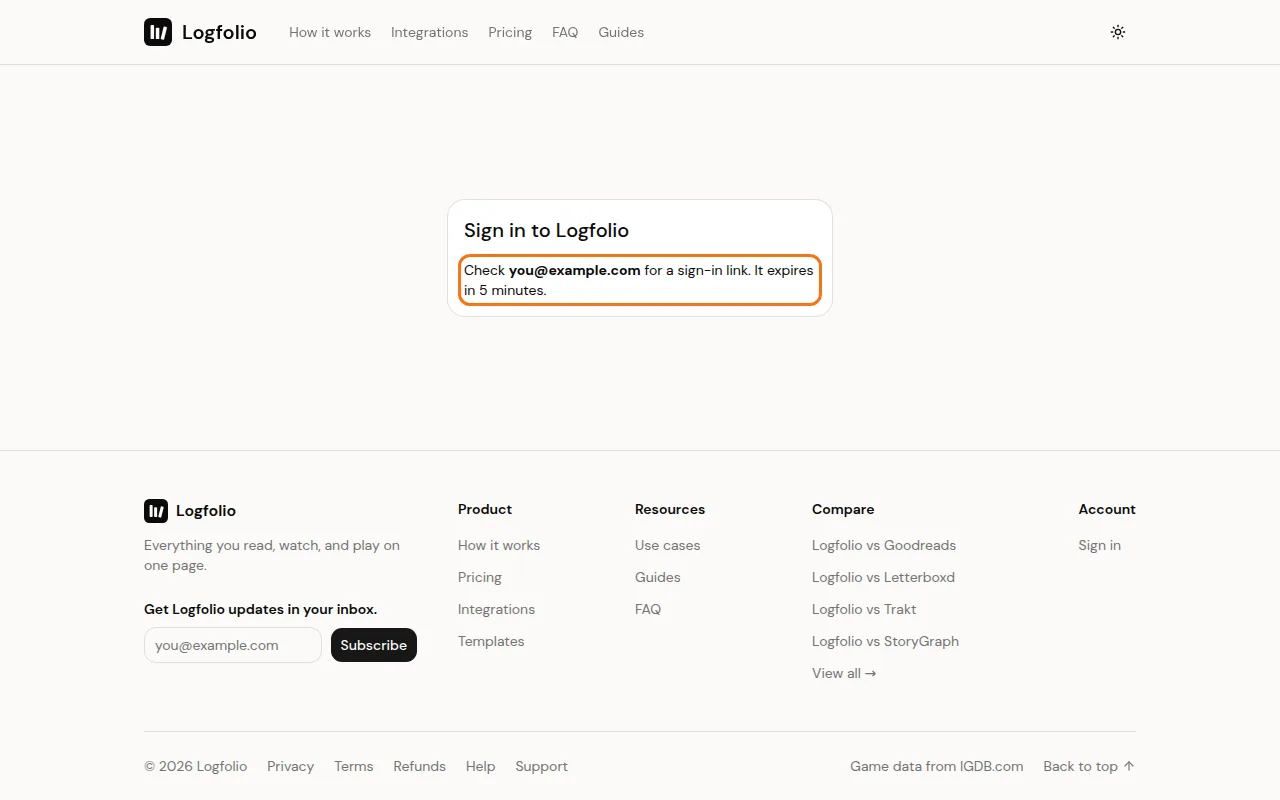
Open the email called "Your Logfolio sign-in link" and click Sign in. The link works once and expires in 5 minutes.
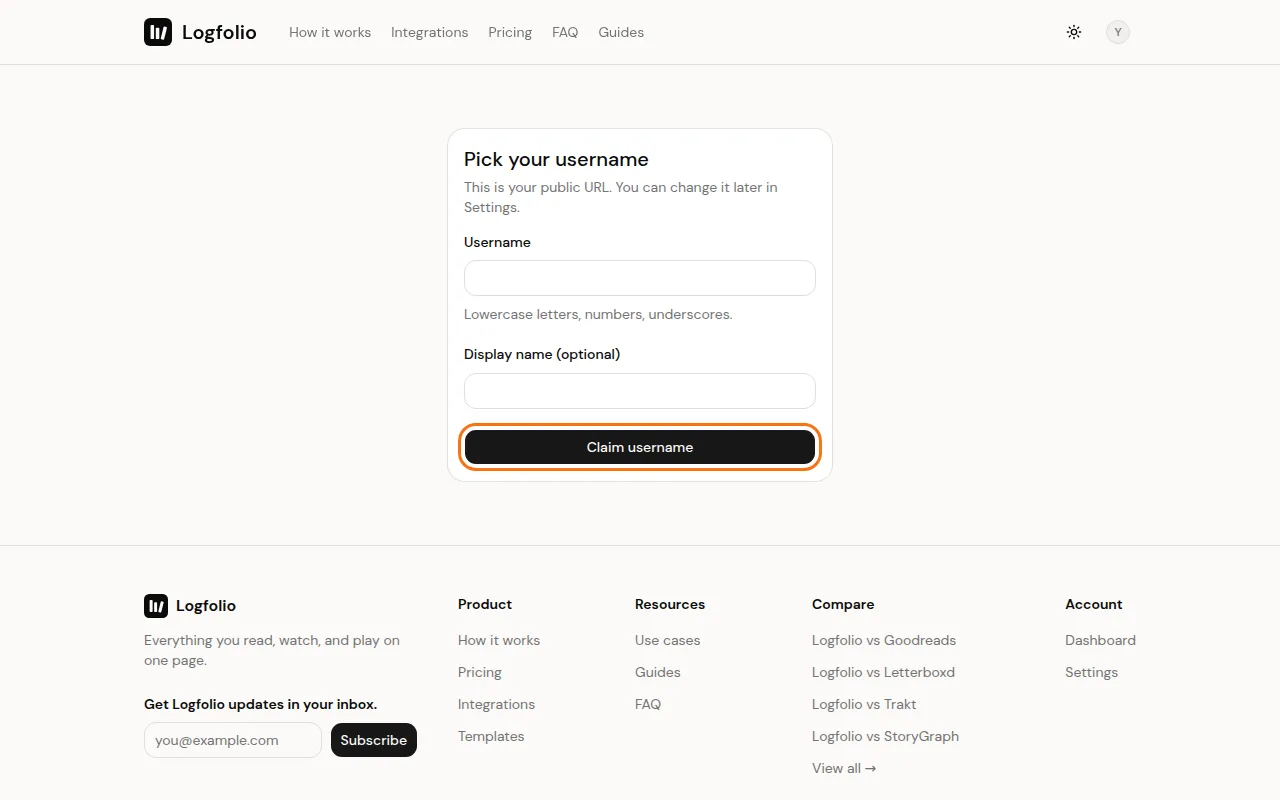
Pick your username. You can add a display name too, or leave it for later. Then click Claim username.
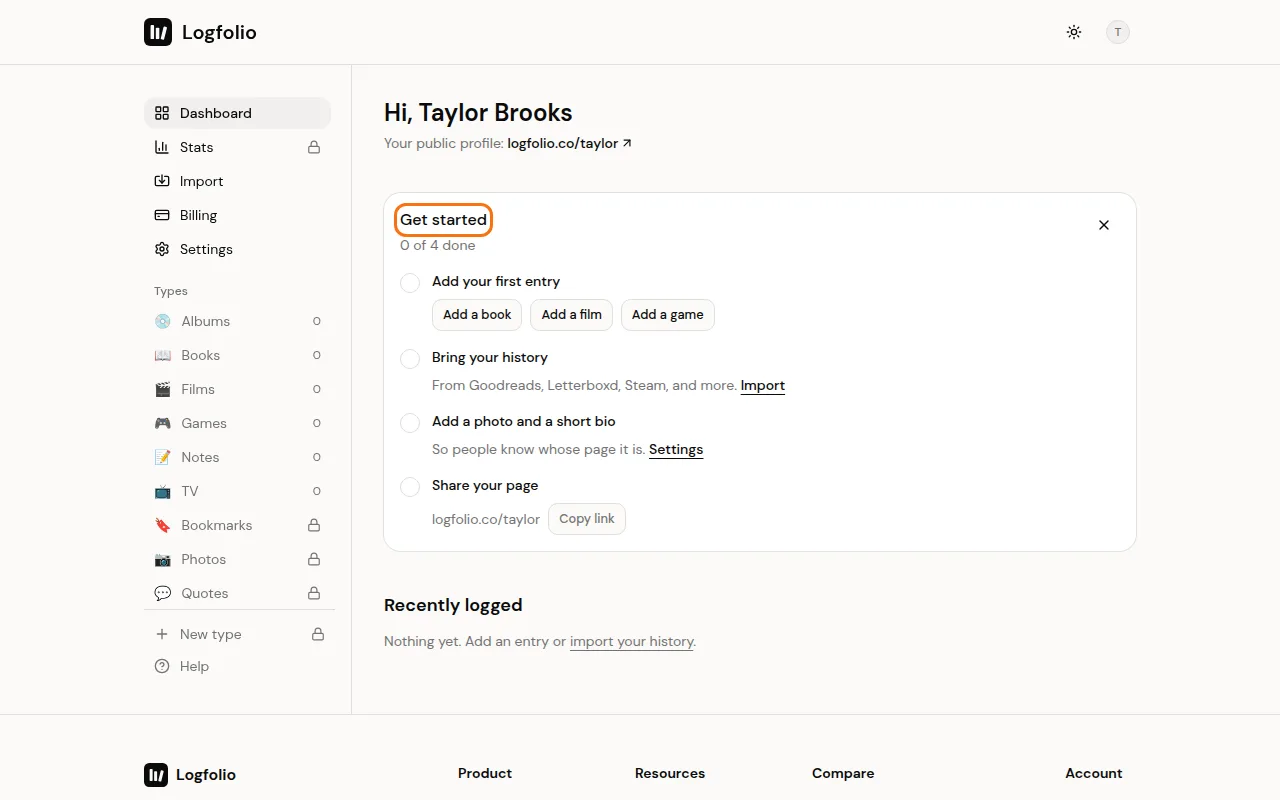
You're on your dashboard. The Get started card walks you through adding an entry, importing your history, adding a photo and bio, and sharing your page.
Good to know
- Usernames are 3 to 30 characters: lowercase letters, numbers, or underscores. They can't start or end with an underscore, and some names (like settings or help) are reserved.
- Your username is your page address, logfolio.co/yourname. You can change it later in Settings, once every 30 days, and links to the old one keep working. See Change your username.
- Your page is public as soon as you claim your username. Hiding the whole page is a Pro feature.
- You can change your display name, bio, location and photo any time in Settings.
- We send one welcome email after you claim your username.
- You need to be 16 or older to use Logfolio. By signing in you agree to the Terms and Privacy policy.
- Next up: log your first entry.