Every public profile has a share button in its header, on every plan. You and your visitors can both use it.
Steps
Open your profile and select the share button. It's the small button with the share icon at the end of the row.

Select Copy link to copy your page's address. It changes to Link copied so you know it worked. Paste it anywhere you like.
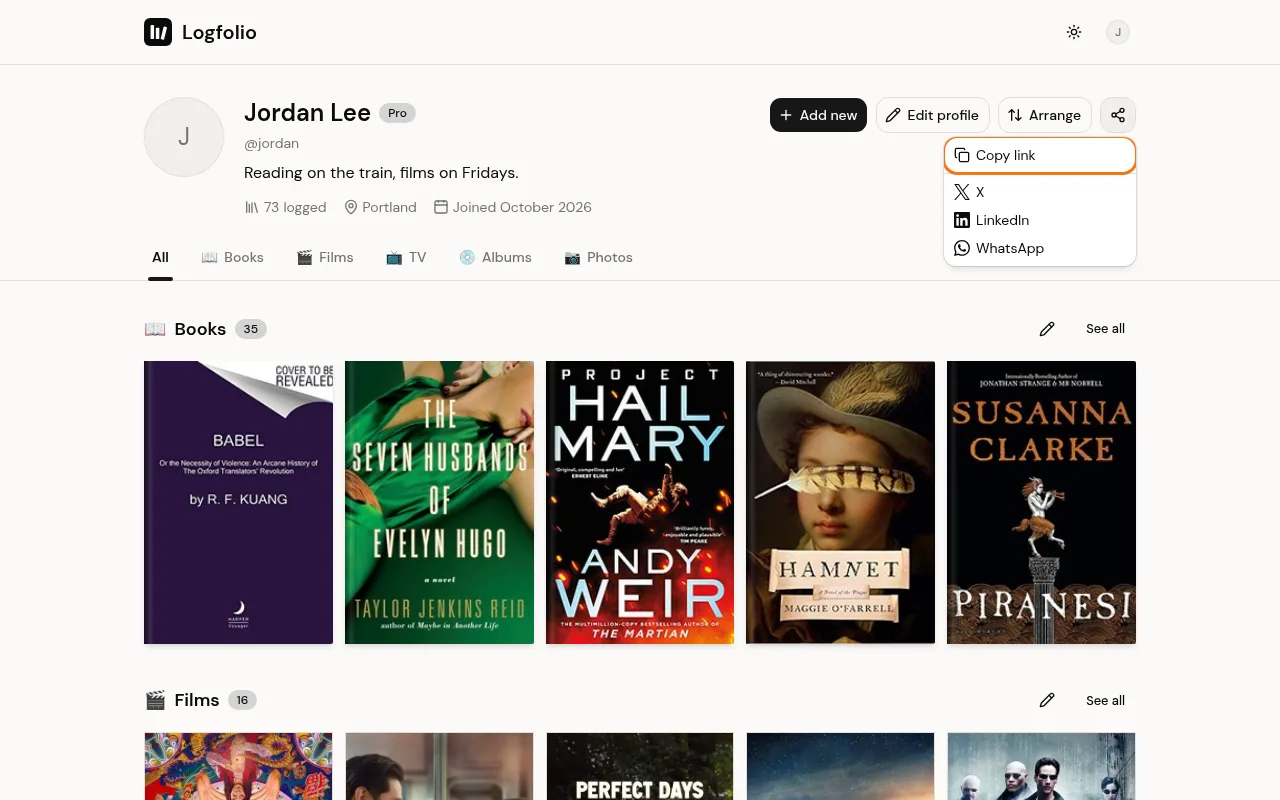
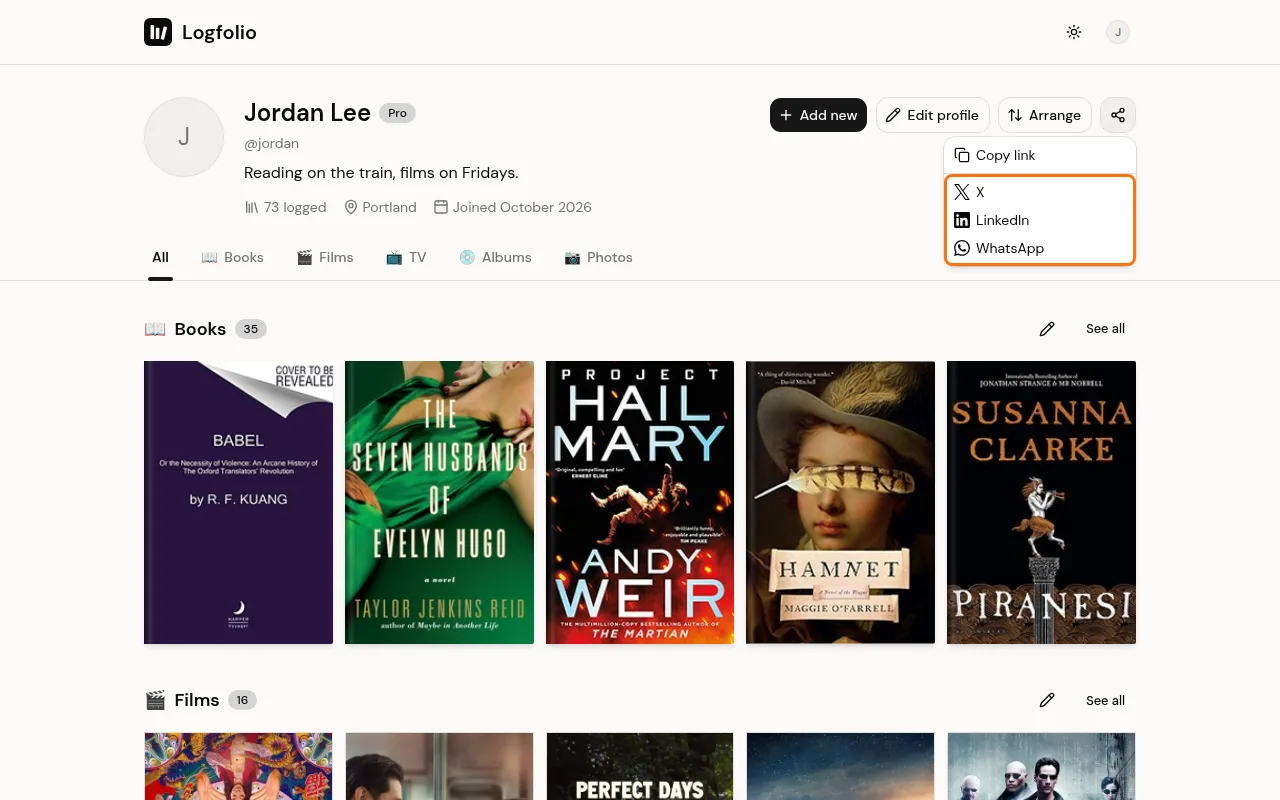
Or pick X, LinkedIn, or WhatsApp to start a post with your link in a new tab. On phones and browsers that support it, More… opens your device's own share options.
Good to know
- The link is always your main page, like logfolio.co/naeem, even if you open the menu from one of your section tabs.
- Apps that show link previews get a picture with your name, your @username, counts for up to four of your sections, and your page address.
- Anyone who opens it sees your public page. They don't need an account.
- They see titles, ratings, dates, and tags. Your reviews, private entries, and hidden sections stay out. See Keep things private and Arrange your sections.
- On a Free profile, people who aren't signed in also see a Make your own box at the bottom. Pro removes it.
- If your profile is private, the link shows a "not found" page, and the preview is a plain Logfolio picture.
- Each entry's own page has the same options as a row of buttons, so you can share one book or film by itself.
- To put your covers on your own site instead of sharing a link, see Show your card on your website.