Upload the CSV that StoryGraph makes and your books land in your Books log. Anyone can do this. Free brings in up to 20 books, newest first, and Pro brings them all.
Steps
On StoryGraph, open Manage Account.
Choose Export StoryGraph Library and download the CSV. Keep it as it is.
In Logfolio, open Settings, then the Import & export tab.
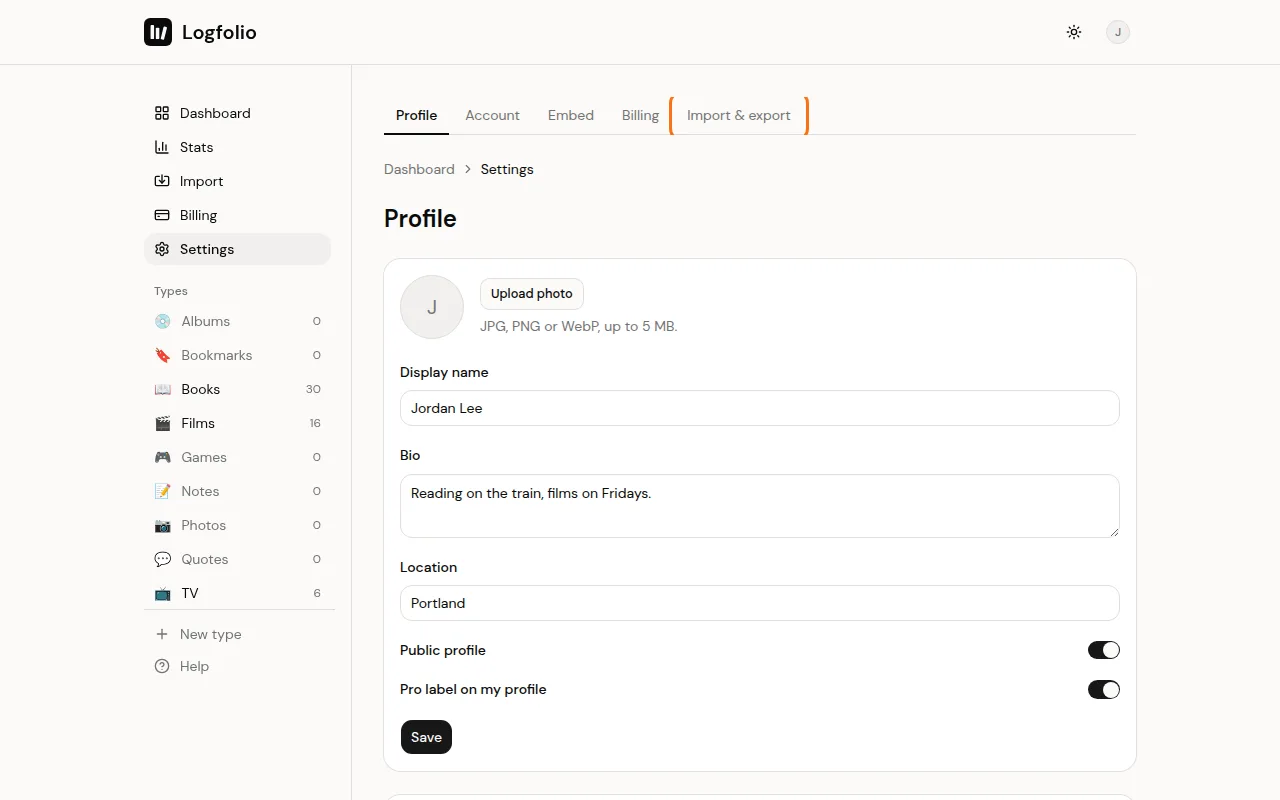
Click Choose a file, pick your StoryGraph CSV, then click Import.
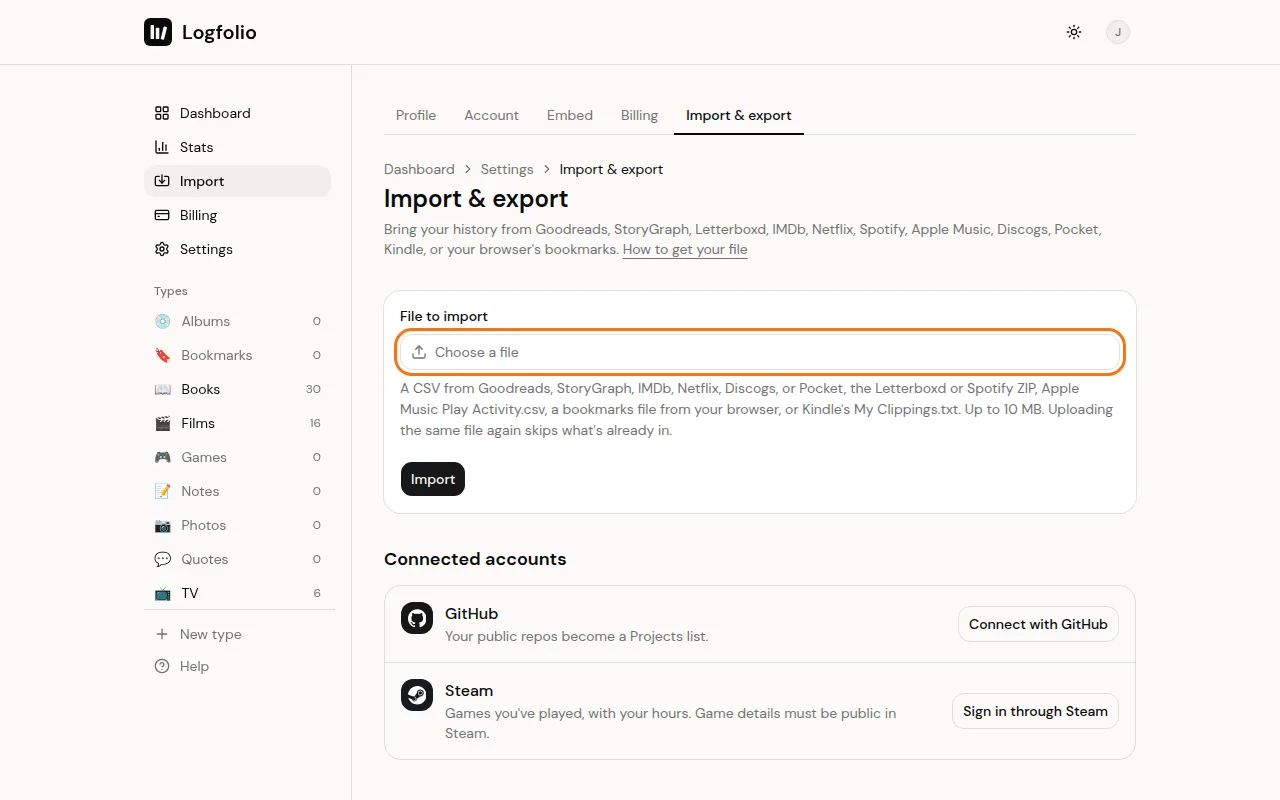
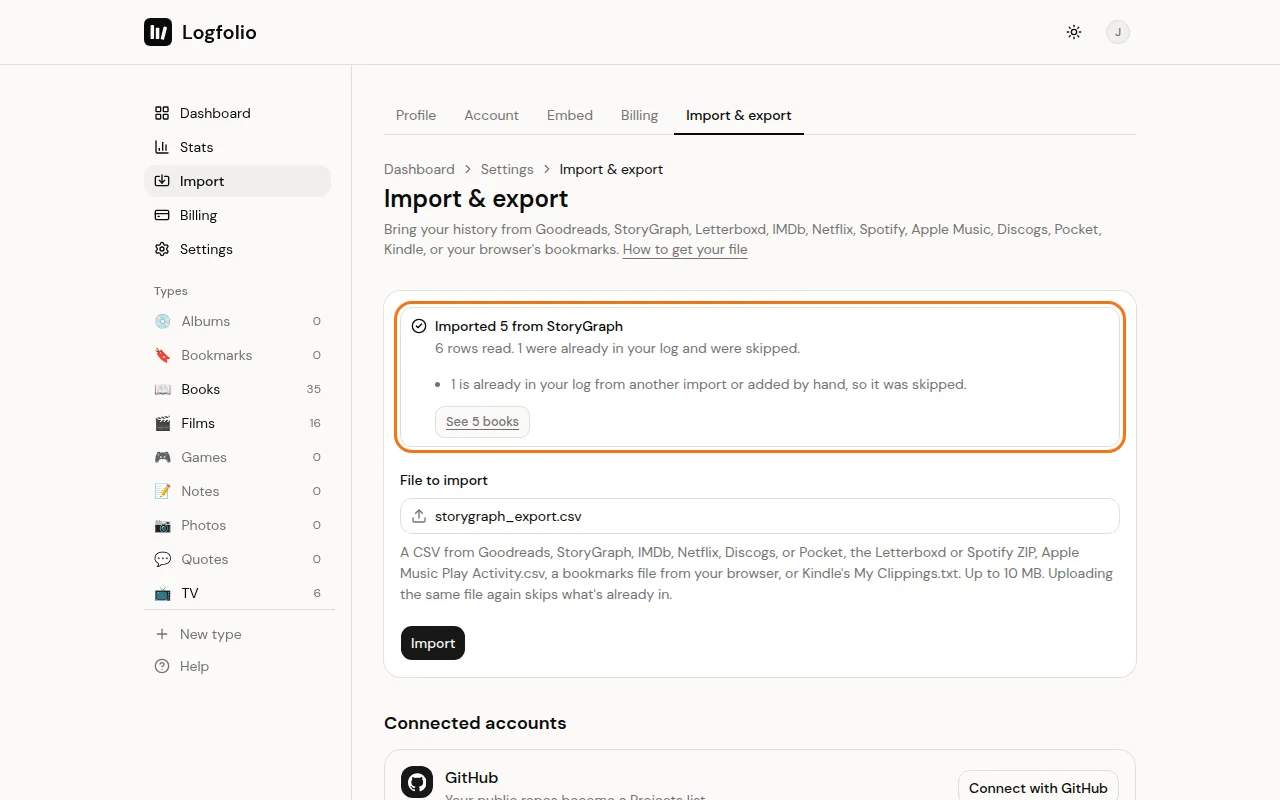
When it's done, a box tells you how many books came over. Click its See button (like See 64 books) to open your Books log.
What comes over
- Title, author, and ISBN (when StoryGraph has one).
- Your star rating.
- Your read status: to-read becomes Want to read, currently-reading and paused become Reading, and did-not-finish becomes Dropped. Everything else comes in as Read.
- The last date you read it, for books you finished or dropped.
- Your review (it stays private) and your tags.
- The format (Print, Ebook, or Audiobook) if your file has a Format column.
Good to know
- Read a book more than once? It comes over once, with your most recent finish date.
- The year a book came out isn't in the file, so it comes in without one.
- StoryGraph doesn't publish its export format. Logfolio reads the columns its exports are known to have and skips any that are missing.
- Files can be up to 10 MB.
- Uploading the same file again skips books you already have and leaves your edits alone. If you also import from Goodreads, a book that's in both lands once. See Import your Goodreads library.
- If the result says some books are over the free limit, upgrade and upload the same file again to bring the rest. See Import limits and duplicates.