A subtitle is one short line under a section's name, like "Paperbacks on the train, mostly" under Books. It gives visitors a bit of context. You write it on your log, and it works on every plan, Free included.
Steps
From your Dashboard, open the type you want, like Books.
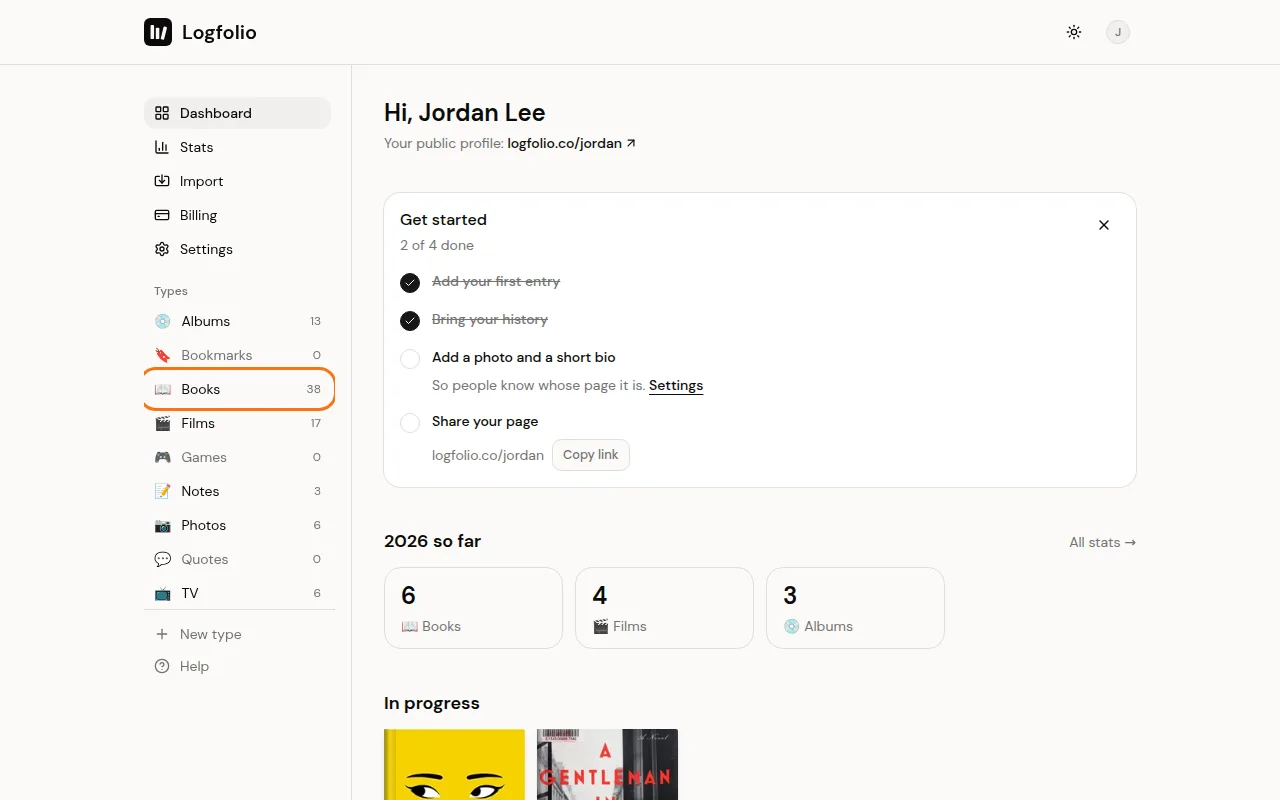
Select the box under the title. When it's empty, it says Add a subtitle for Books.
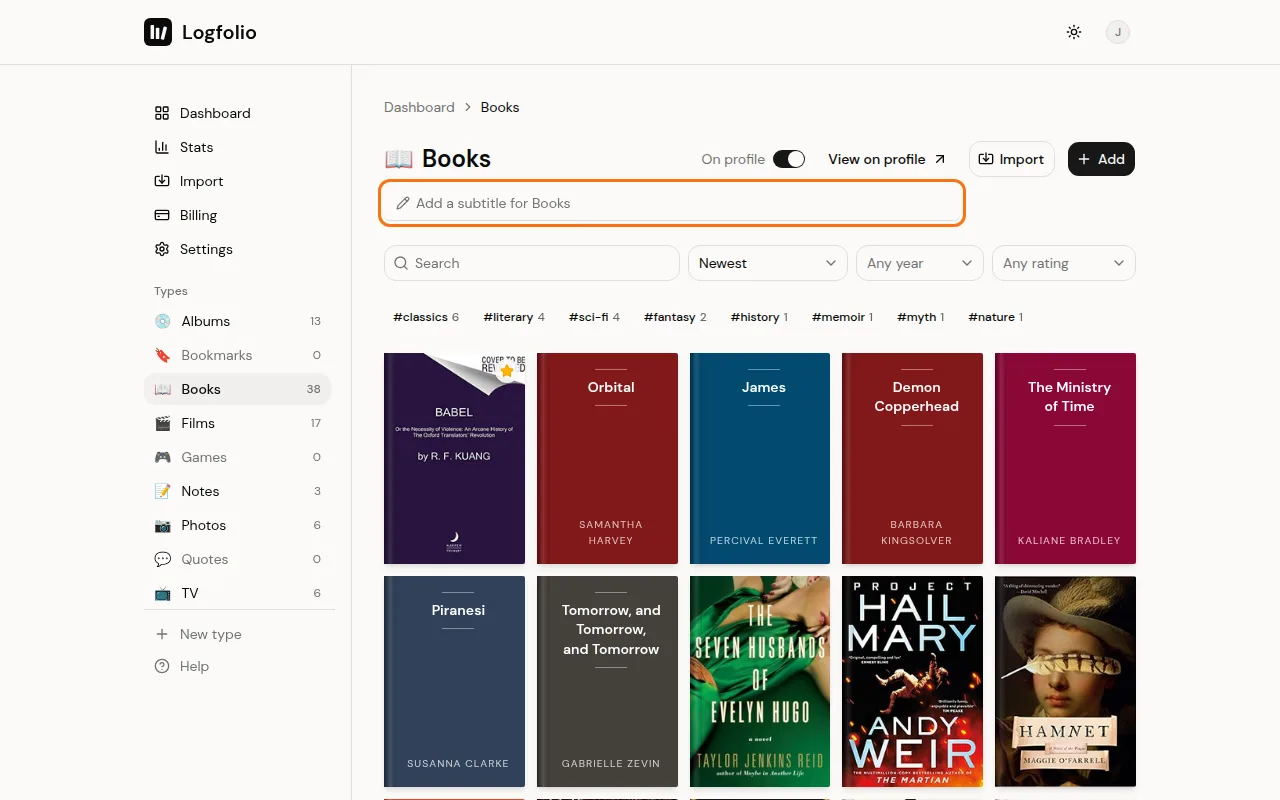
Type your line, then press Enter or click somewhere else. You'll see Saved next to the box.
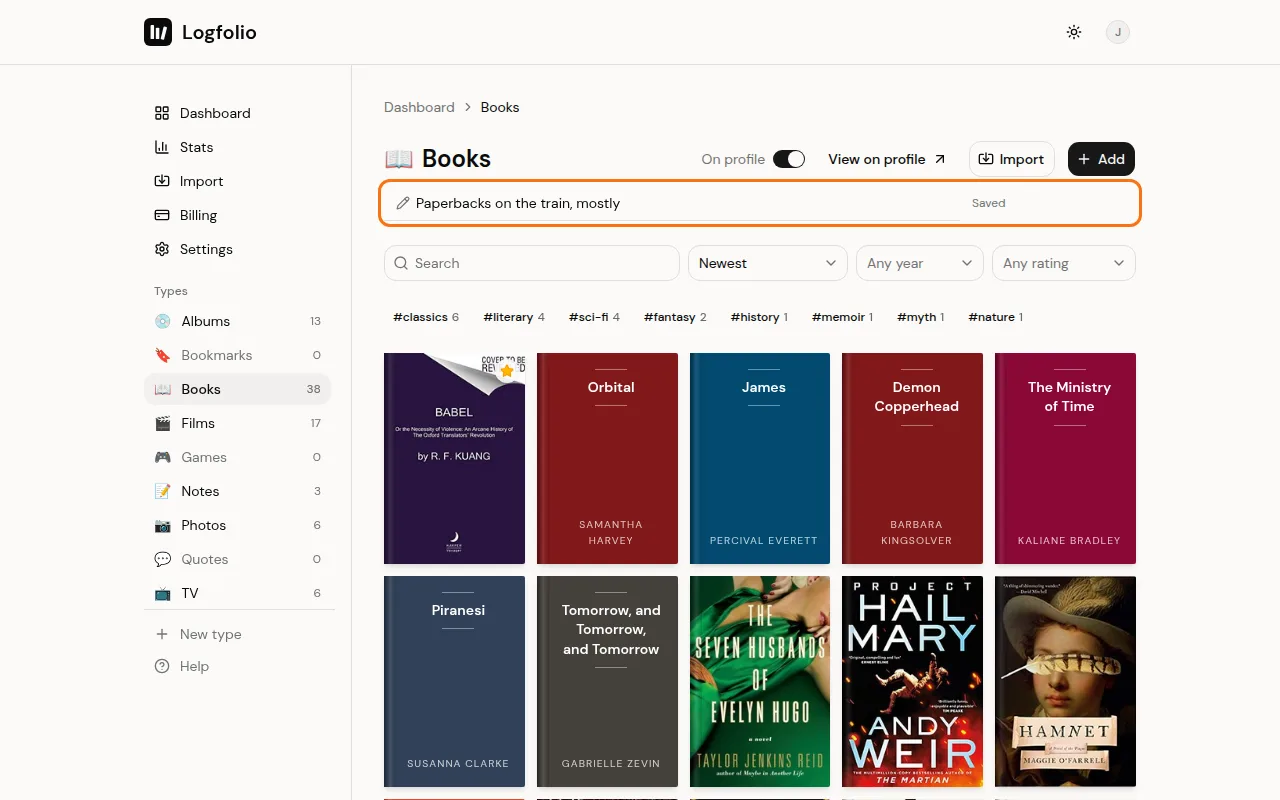
Open your page. The line now sits under the section's name.
Good to know
- Subtitles can be up to 80 characters. Extra spaces between words are trimmed when it saves.
- Visitors only see the line. The box is just for you, on your log.
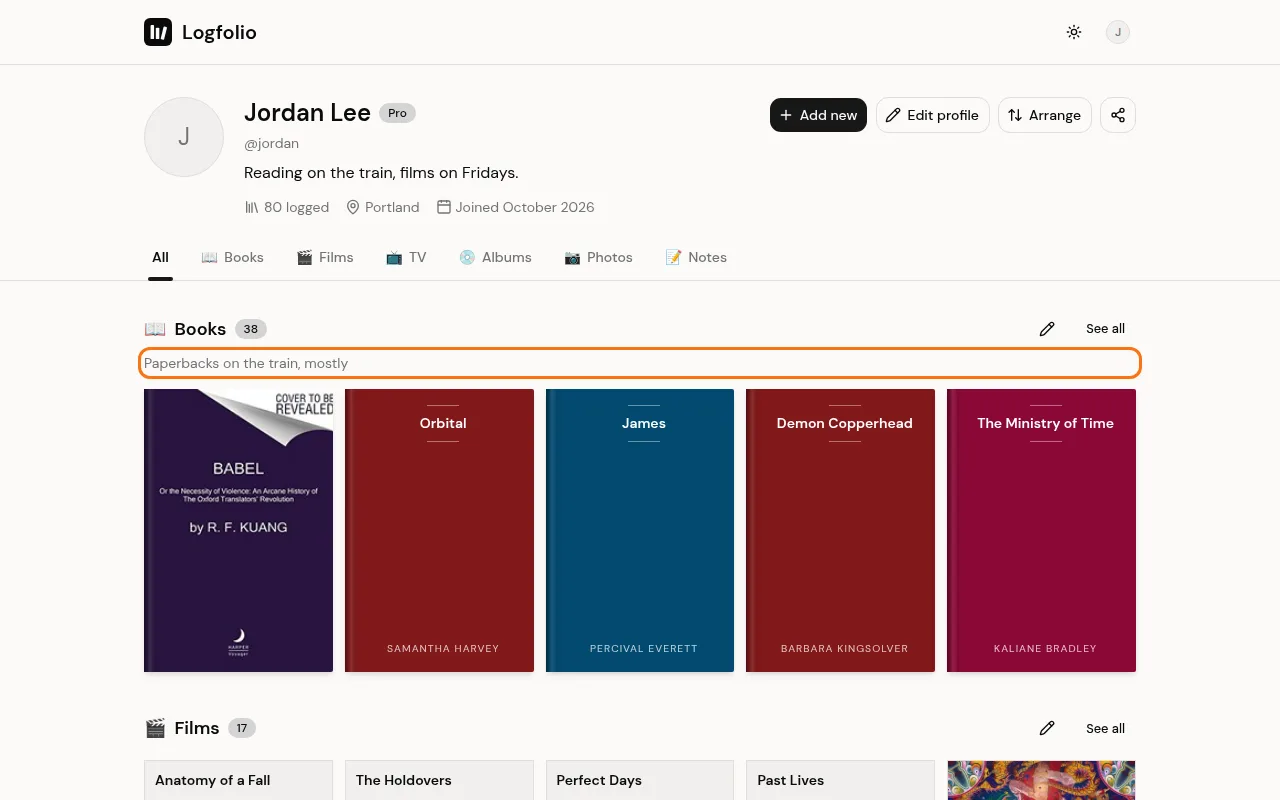
- On your own page, the pencil button beside a section's name takes you straight to that type's log, where the box is.
- To change one, edit the text in the box and press Enter. To remove it, clear the box and press Enter.
- The line shows under the section on your profile and at the top of that section's own page, like /yourname/books.
- Each type has its own subtitle, so Books, Films, and Photos can each say something different.
- Notes don't have a subtitle box.
- If a section is hidden or has nothing public in it yet, its subtitle won't show either. See Arrange your sections.
- In a Pro type you can't use anymore (after Pro ends), the box doesn't show, since those types are read-only.