Your year in review is a page that sums up everything you finished in a year: how many, which types, which months, and your top rated. It's part of Pro, and it lives at its own link, like logfolio.co/yourname/year/2026, so you can share it.
Steps
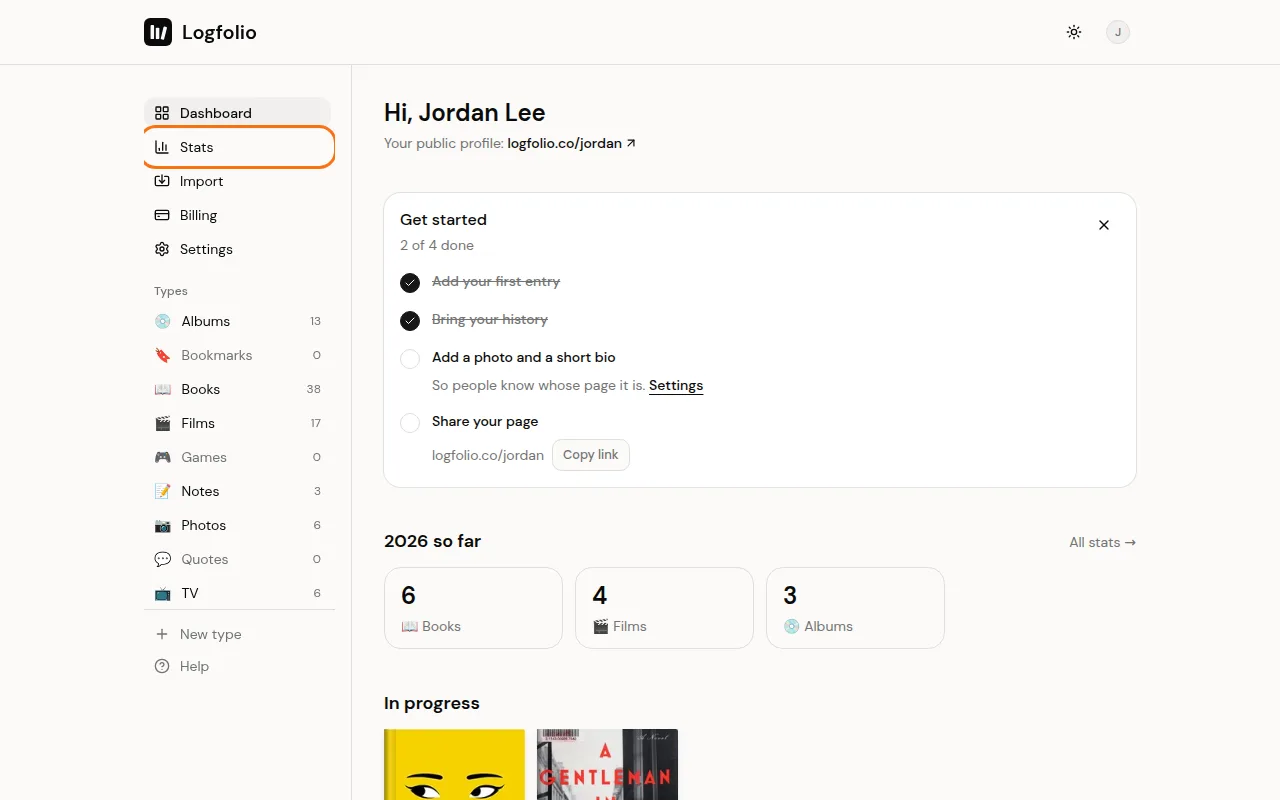
From your Dashboard, open Stats in the sidebar. You can also find it in your account menu.
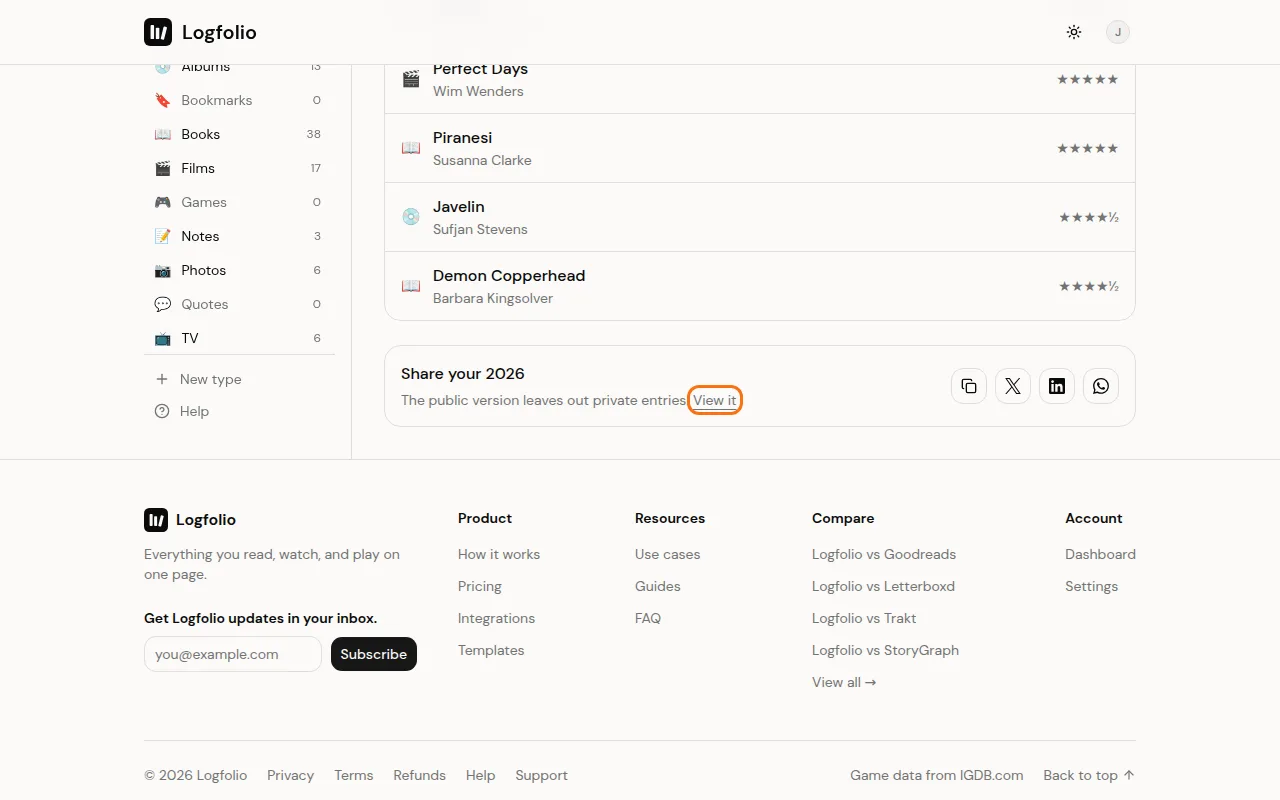
Stats shows your year, private entries included. Below it, in the Share your 2026 box, select View it to open the public page.
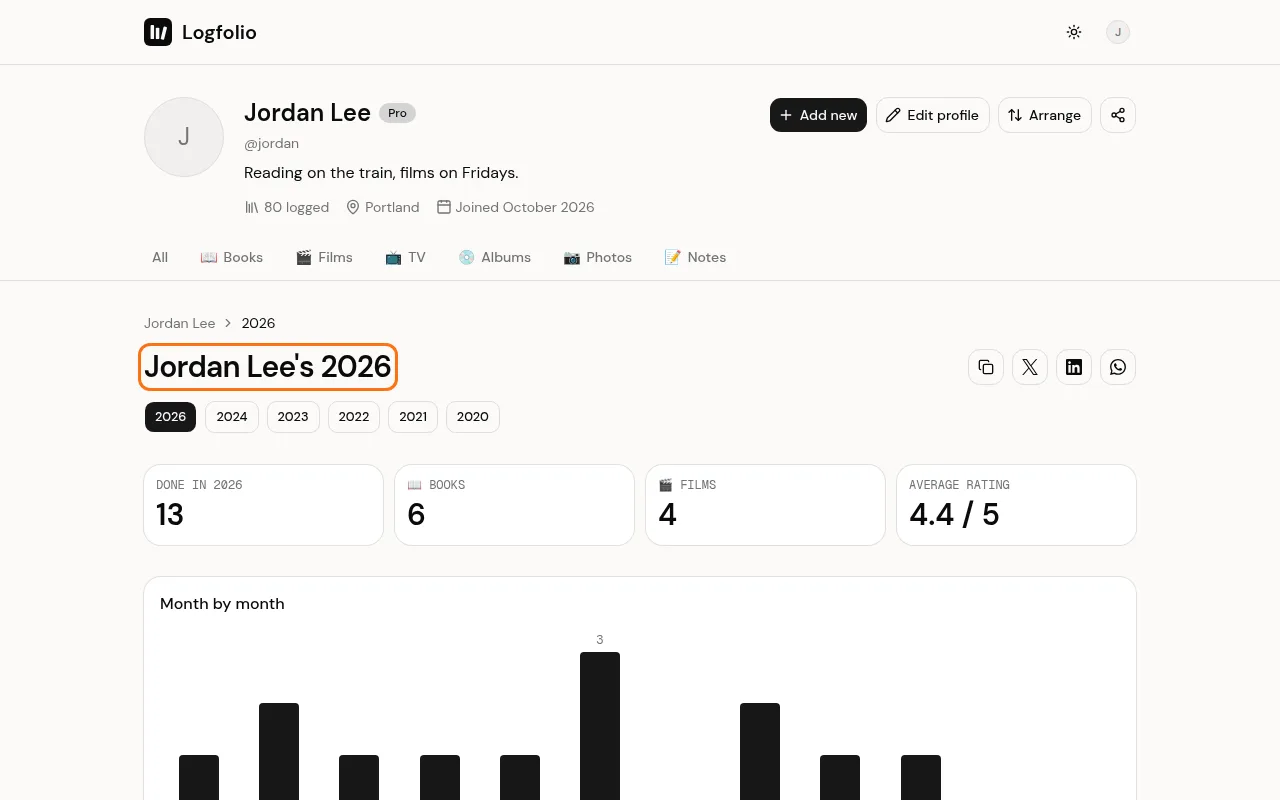
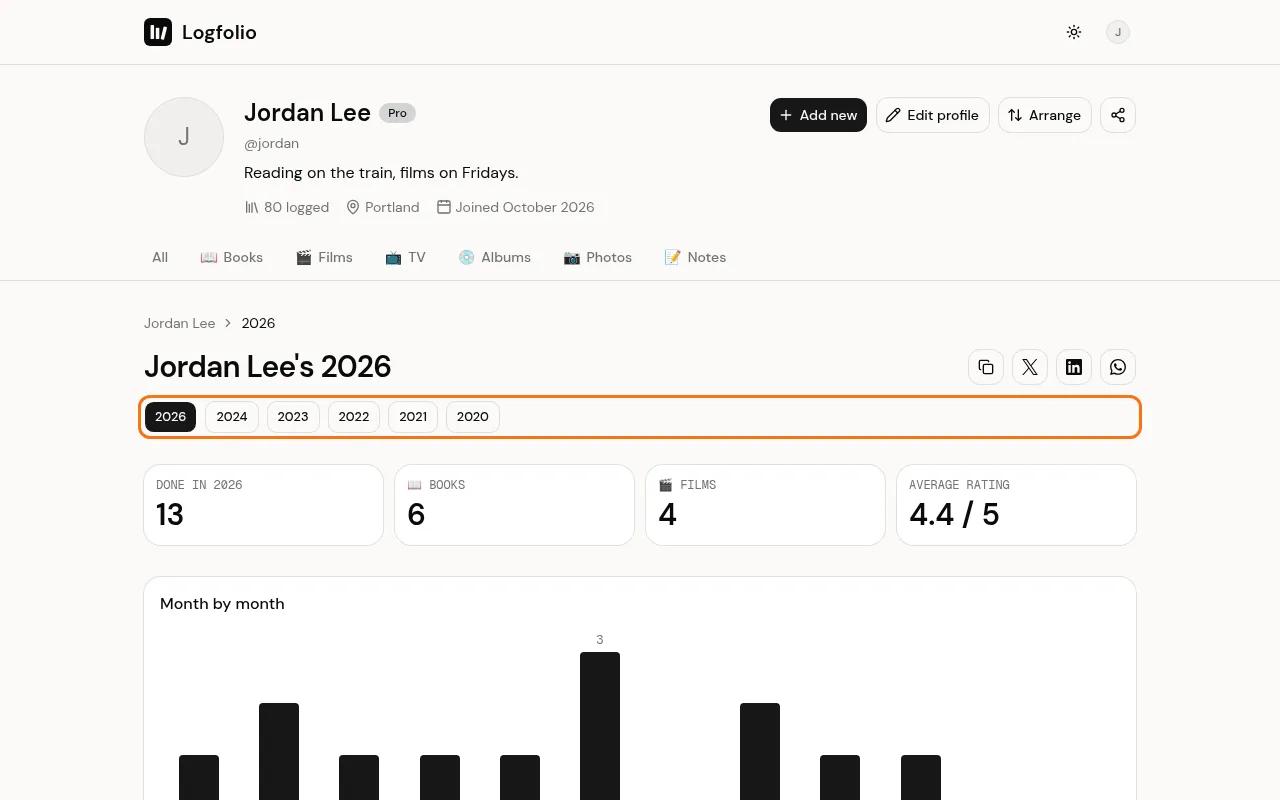
This is the page everyone else sees. It shows what you finished that year, your top types, your average rating, a month by month chart, and your five top rated.
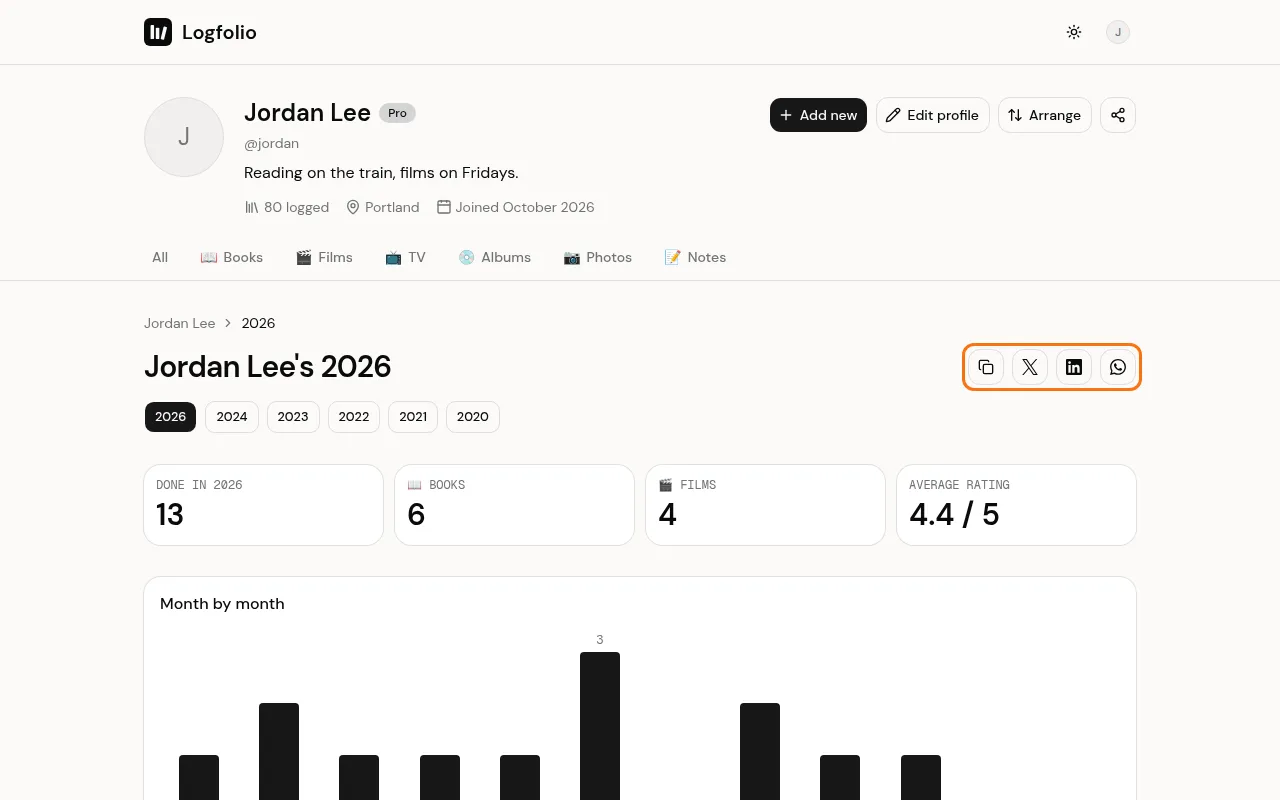
Use the buttons beside the title to copy the link, or share it to X, LinkedIn, or WhatsApp.
If you've finished things in other years, pick a year from the buttons under the title.
Good to know
- Only entries marked done with a date count. An entry dated only to the year counts in the total but not in a month.
- The public page leaves out your private entries. See Keep things private.
- When you share the link, the preview picture shows your name, the year, and counts for up to four types.
- Where your browser supports it, usually on a phone, there's one more Share button that opens your phone's own share menu.
- The page only exists while you have Pro and have something public finished that year. Otherwise, visitors get a "not found" page.
- If your whole profile is private, your year in review is hidden too.
- On Free, Stats asks you to upgrade instead. See Upgrade to Pro.